Single launch
Launching one event soon
Start with a proven setup, then tailor the branding and workflows to match the event you are running now.
Event App Builder
Launch faster without giving up control. Fliplet helps event teams create custom event apps for one-off launches, recurring programs, and agency delivery with flexible branding, attendee workflows, integrations, and governance.
Best for conferences, internal events, multi-event programs, and teams comparing build-vs-buy.
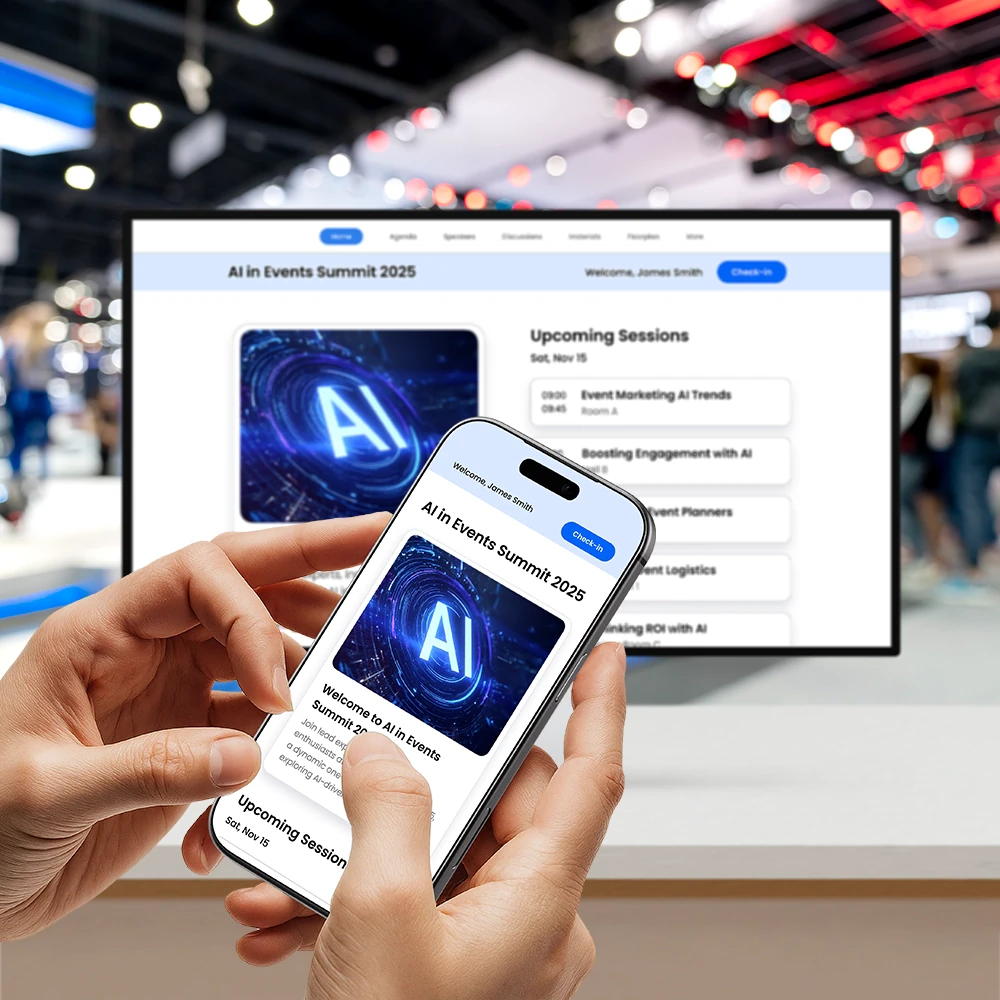









Launch faster
Whether you are planning one flagship event or a repeatable program, you can launch faster without giving up control over branding, workflows, or setup.
What you can build
Start with the core attendee experience, then add the workflows, integrations, and operational control your team needs.
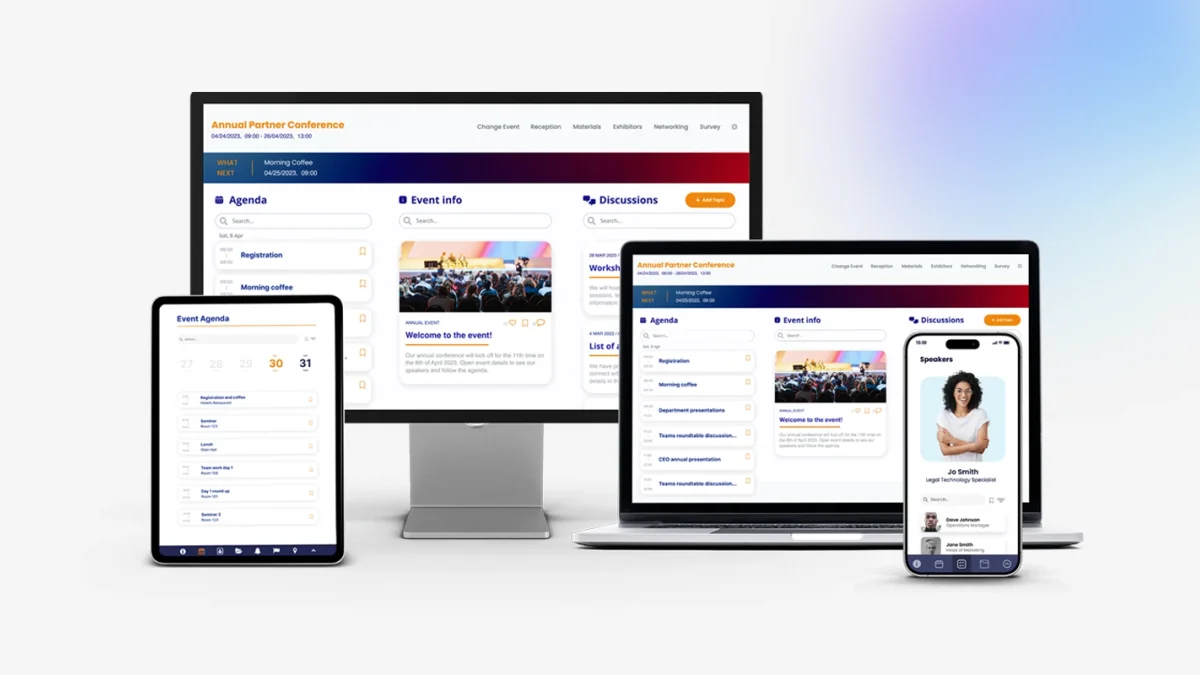
Configure personalized agendas, session detail views, content libraries, and navigation around the way your event actually runs.
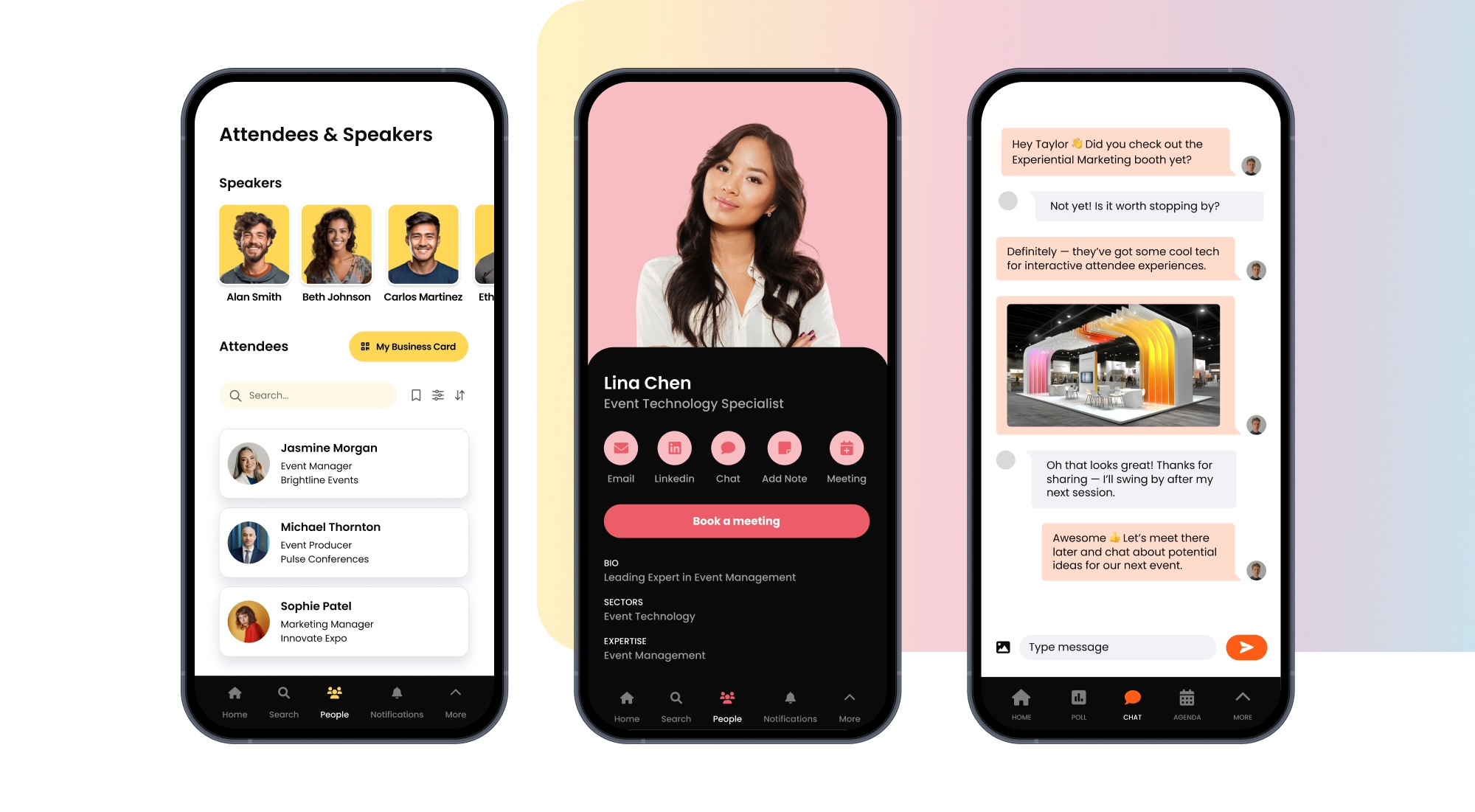
Add attendee profiles, messaging, matchmaking, and 1:1 meeting workflows when connection is part of the event value.
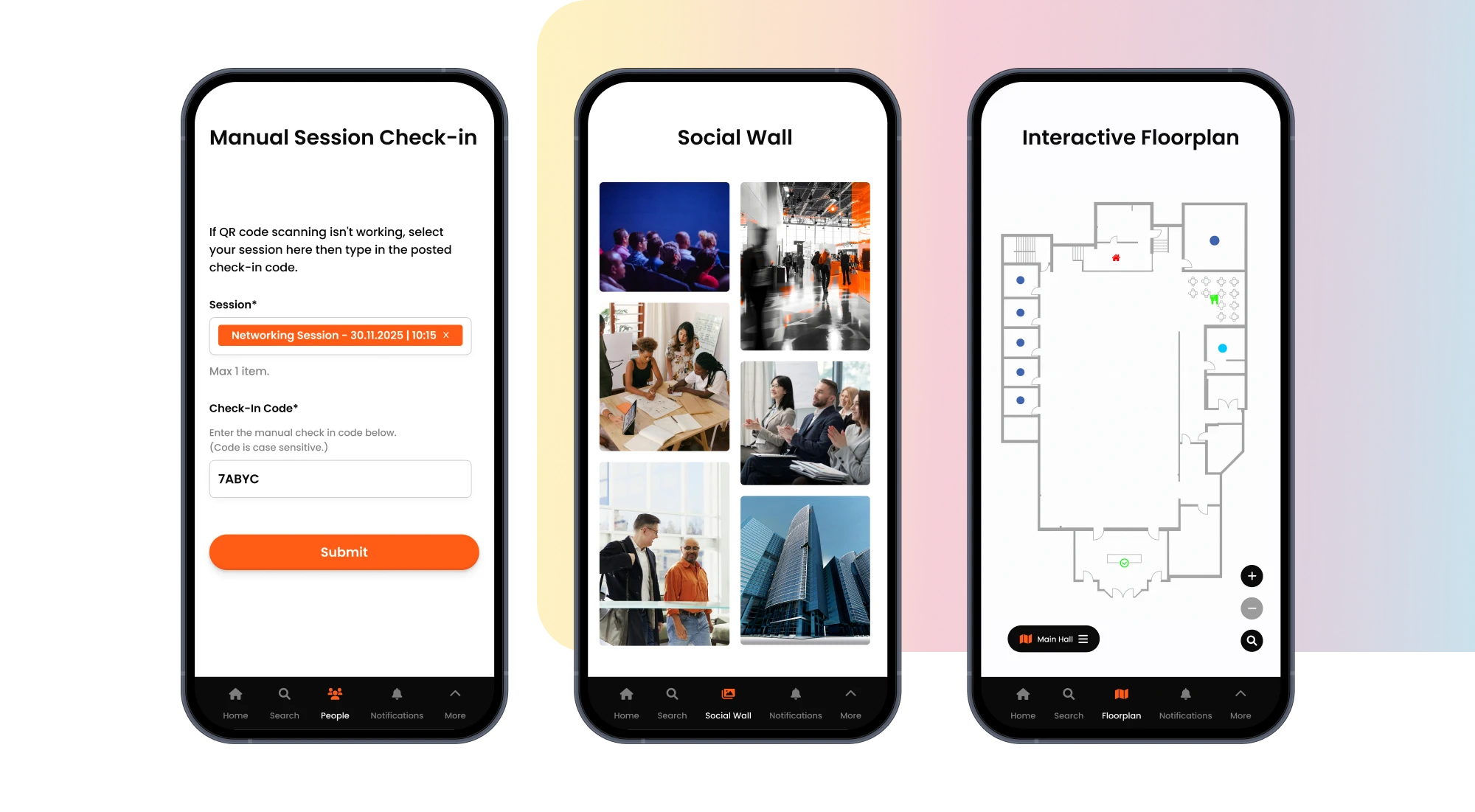
Push schedule changes, room updates, reminders, and targeted communications without relying on separate tools.
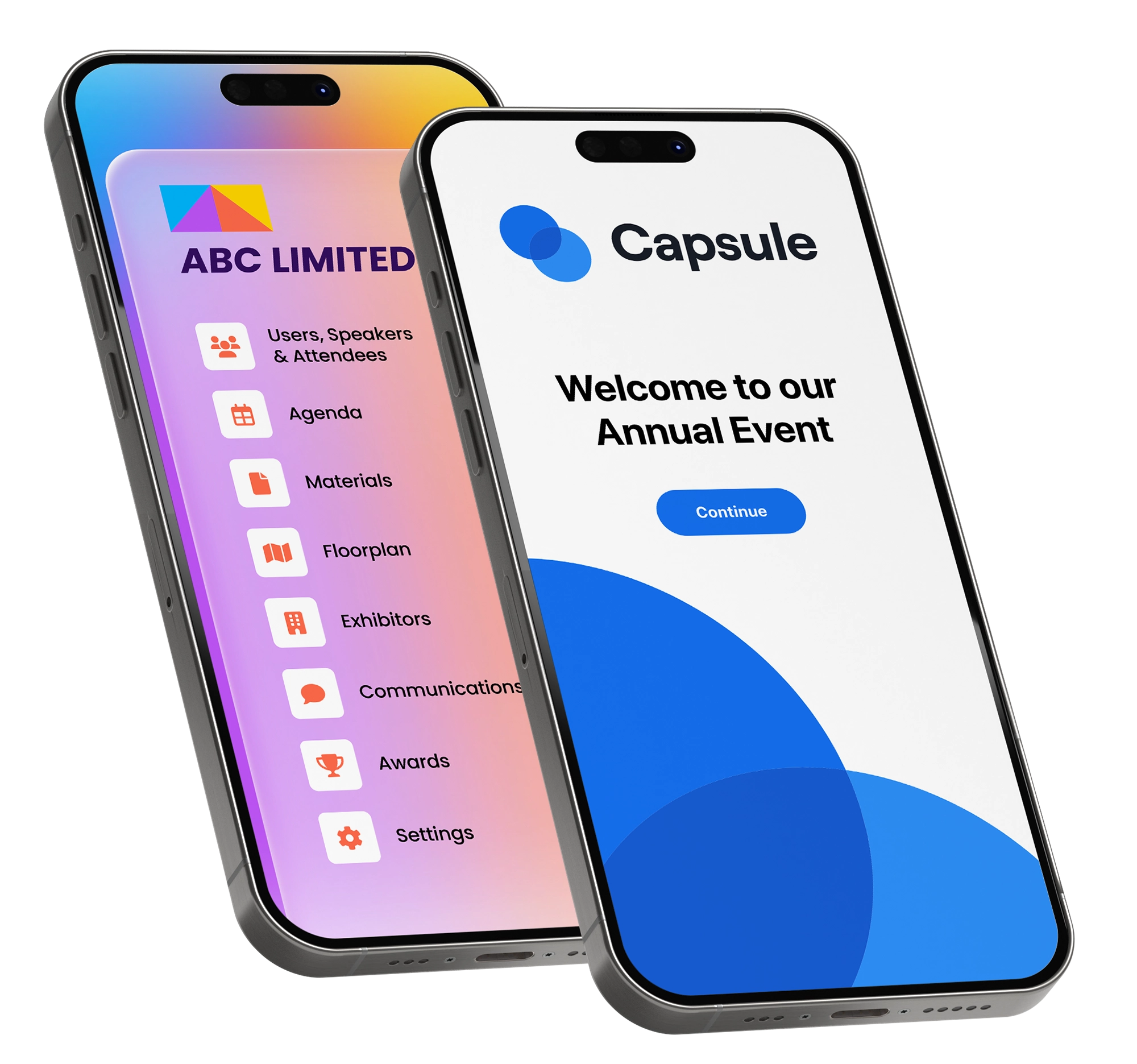
Support sponsor visibility, exhibitor listings, meeting requests, and lead workflows inside the same branded experience.
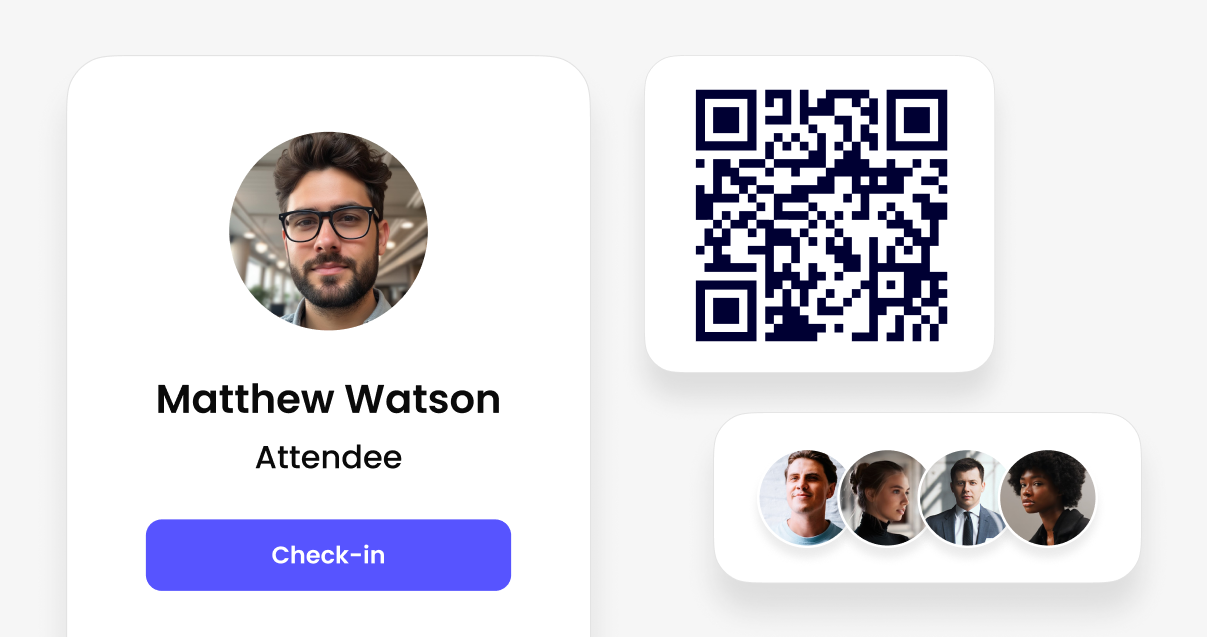
Connect pre-event planning with onsite delivery through check-in, attendance tracking, and operational control.
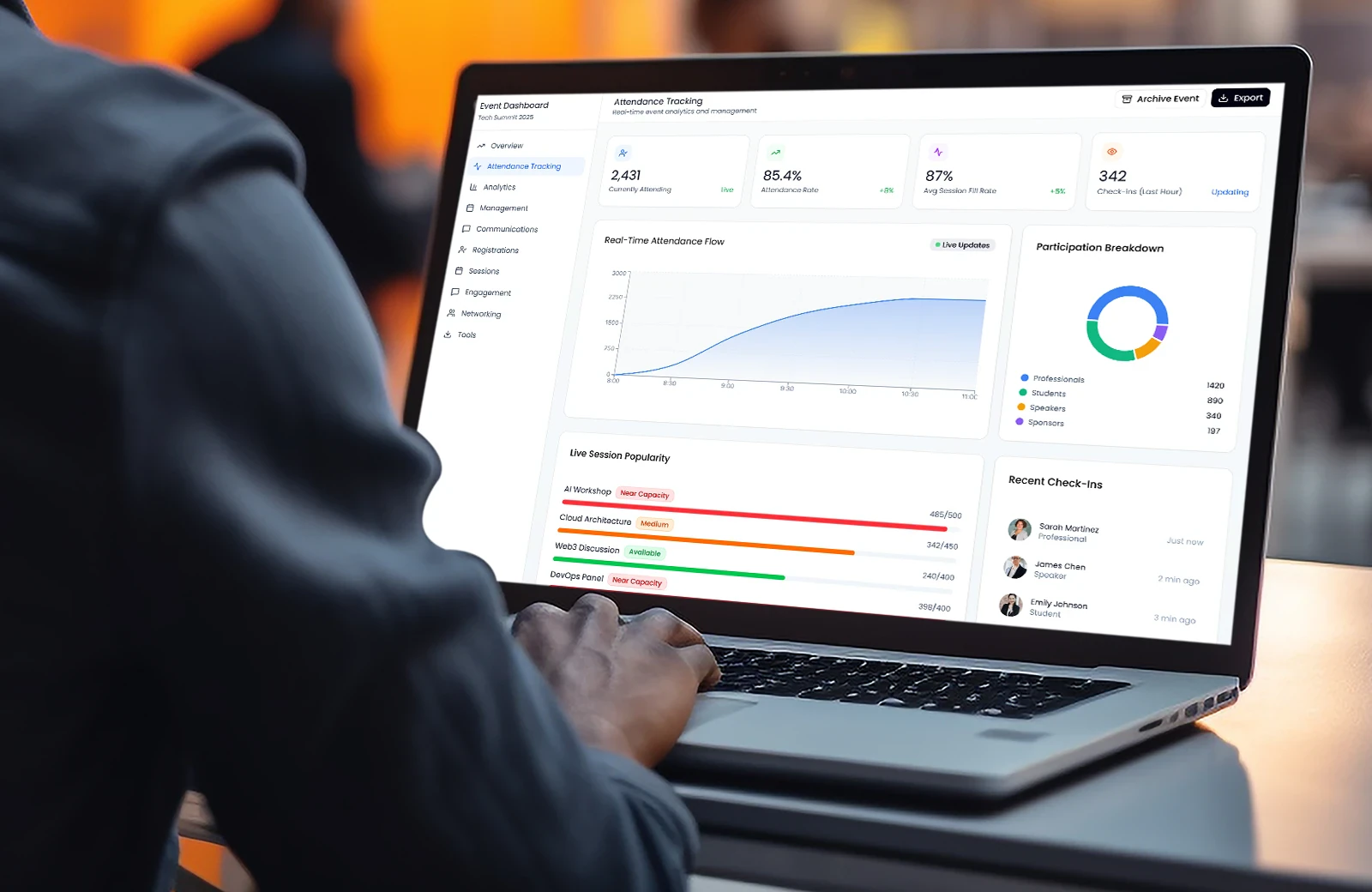
Keep CRM, registration, exports, and post-event reporting aligned so the app fits your wider event stack.
Best fit
Use the same platform for a one-off event, a repeat series, or a client delivery model without forcing every launch into the same structure.
Launch a branded app quickly without settling for a generic attendee experience or a long development cycle.
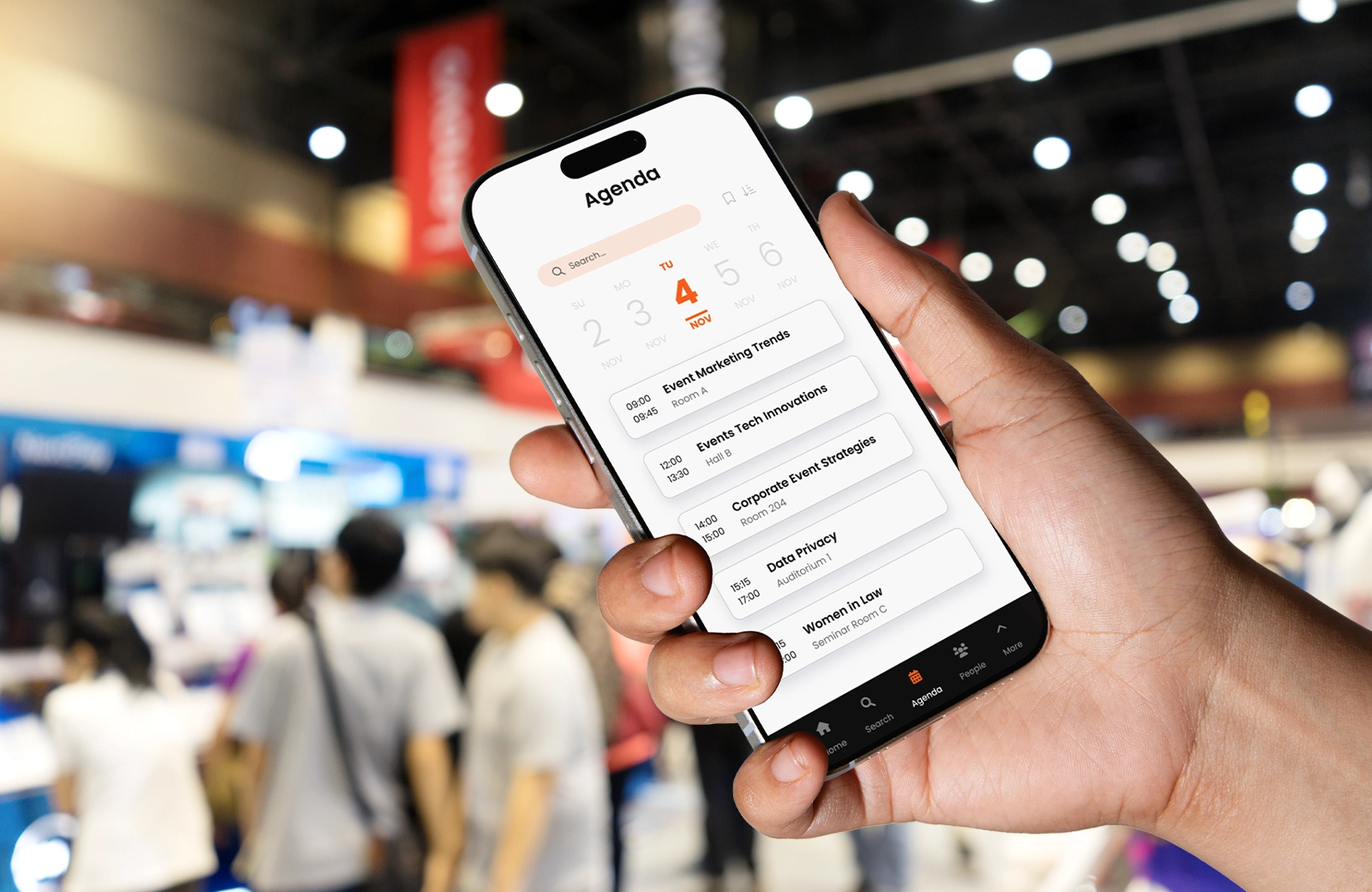
Reuse a proven setup across multiple launches while tailoring content, navigation, and permissions for each event.
Deliver white-label event apps with stronger control over branding, handoff, and stakeholder approvals.
Single launch
Start with a proven setup, then tailor the branding and workflows to match the event you are running now.
Repeat program
Reuse a structure that already works, then adjust content, permissions, and modules for each new launch.
Client delivery
Keep brand control, approval flow, and launch quality high even when different teams need input.
Not ready to book yet?
Share a few details first and we will recommend the setup, likely pricing path, and best next step for your event.
Tell us the event type and likely scale first. We will follow up with the most relevant next step and pricing context.
How it works
Choose the modules and interaction patterns that fit your event rather than forcing a fixed template.
Start with the event structure attendees need most, then tailor filters, bookmarks, and views around your program format.
Add maps, venue wayfinding, and practical onsite details so attendees can navigate confidently from the same app.
Surface speakers, attendees, sponsors, or exhibitors in the structure that makes sense for your event model.
Turn on in-app requests and meeting coordination when your event depends on networking, hosted meetings, or sponsor value.
Turn on richer interaction only when it adds value for your audience, sponsors, or internal team.
Support communication styles that fit your audience, from direct chat to broader event discussions.
Create shared spaces for questions, community updates, and ongoing participation before, during, or after the event.
Add incentives only when they make sense for the event, instead of forcing every attendee into the same template.
Collect feedback and drive participation with interactive tools that can be switched on session by session.
Operational control
Make it easier for speakers, sponsors, and internal teams to contribute while your team stays in charge of what goes live.
Give internal teams, speakers, and stakeholders the access they need without losing oversight of what changes and when.
Let contributors update bios, files, or session details while admins keep quality control and launch discipline intact.
Test layout, branding, and content changes before they reach attendees so launch-day updates stay controlled.
Reliable delivery
Handle live changes, targeted updates, and offline-friendly access so the app stays useful when plans shift.
Update schedules, rooms, and practical information as the day evolves without republishing a whole app.
Reach everyone or specific groups with the right update at the right moment, whether that is staff, speakers, or attendees.
Keep critical content available on devices so attendees can still access schedules and resources with weak connectivity.
Brand and flexibility
Shape the attendee experience, turn modules on or off, and publish a branded app without starting from scratch.
Match logos, colors, typography, and layout decisions to your event or client brand instead of a fixed template.
Turn modules on or off depending on event type, attendee volume, and the workflows that matter for this launch.
Publish under your organization or client brand across web and mobile for a more credible attendee-facing experience.








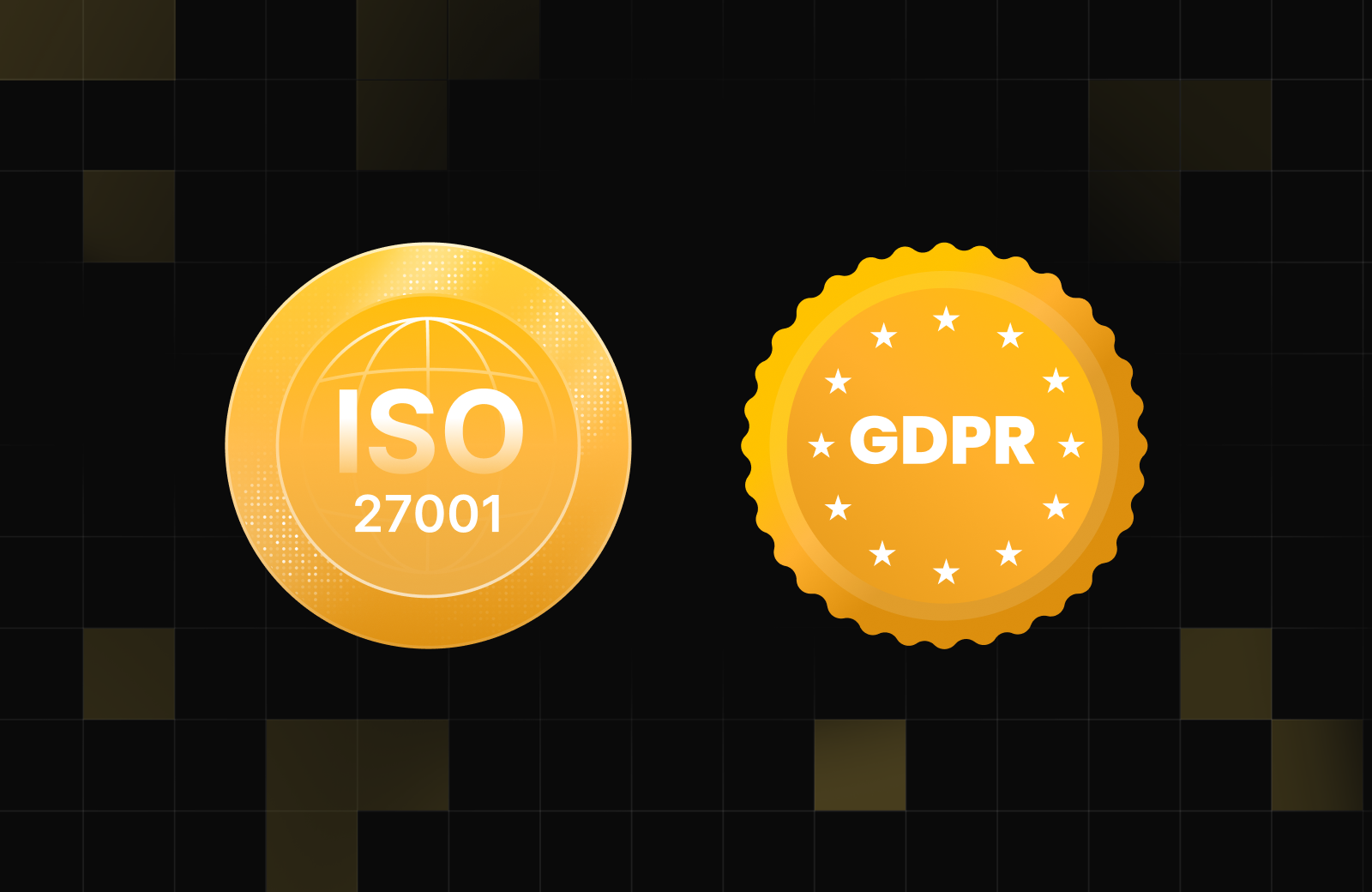
Enterprise ready
If your team needs sign-off from IT, legal, or internal stakeholders, Fliplet gives you the controls and certifications to move that conversation forward.
Customer proof
Customers use Fliplet to create branded event apps with less IT dependency and easier ongoing management.

"We can set up pages and apps, which you can deploy anywhere within the space of minutes and hours."
"One of the key features in our partners conference app is the notes section - having all of the partners' key takeways from sessions in one place has been great."

"A member of our marketing staff last year built out a mobile app for our attorneys' firm retreat. She was able to do that with very little involvement from IT."

"You can go very quickly from the prototype to the MVP and then to the live product."

"Overall we've been pleasantly surprised by how little time it's taken to keep maintaining the app once it's been up and launched."

FAQ
Answers on setup speed, customization, fit, workflows, and what happens next.
Yes. Fliplet is designed for event teams that need to move quickly without handing every change to a development team. You can configure branding, content, navigation, and workflows through a guided setup and modular platform.
You can tailor branding, feature mix, navigation, permissions, content structure, and rollout workflows. The goal is to fit your event model rather than force every event into the same app structure.
Both. Some teams launch a single flagship event quickly, while others reuse a proven setup across recurring programs or multiple clients with local customization on top.
Teams commonly add speaker self-service, sponsor and exhibitor modules, hosted meetings, check-in support, targeted communications, integrations, reporting, and approval workflows.
Use the qualification form on this page to share your event type, attendee volume, and must-have workflows. We can recommend the best next step and provide pricing direction before a full live walkthrough.
Pricing depends on event scale, delivery model, and the modules or integrations you need. The fastest path is usually to confirm event type, attendee volume, and required workflows first so the conversation stays relevant.
Book a demo
Book a live walkthrough to review the attendee experience, branding options, required workflows, rollout model, and likely pricing path for your event.
 Enterprise-grade encryption and data protection