 Live Chat, Email, and Community: Get answers quickly from the Fliplet team and other users.
Retreat App
Plan and Run Your Company Retreat With Fliplet
Bring employees and senior staff together in one branded retreat app. Share schedules, travel details, updates, and networking tools in one place.
Trusted by teams at

















Create a Company Retreat App
Every retreat has different goals, attendees, and logistics. Fliplet helps you manage updates, communication, and planning tasks in less time.
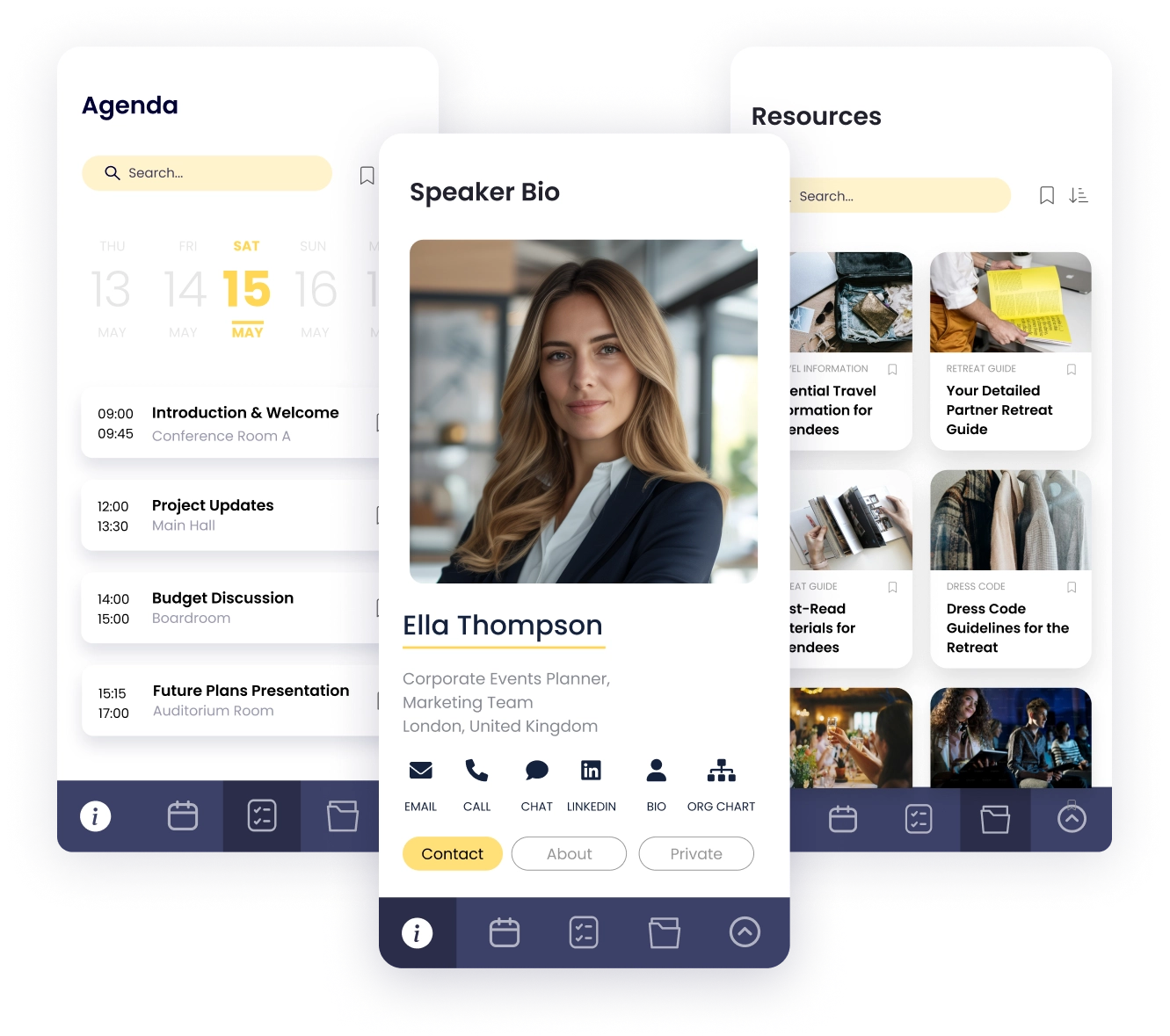
Agenda
Coordinate Offsite Plans for Every Attendee
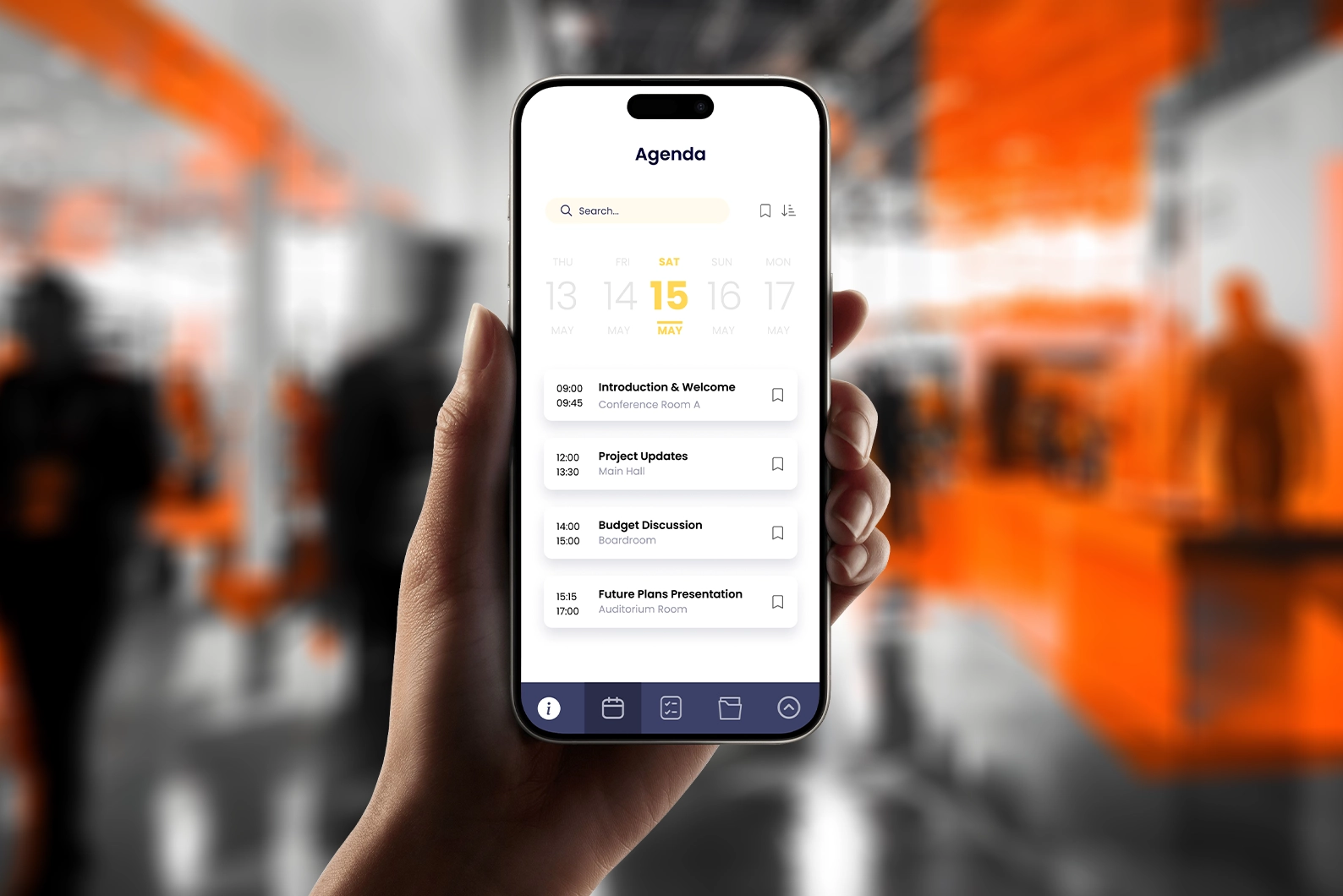
- Personalized Agenda: Give each attendee a clear schedule they can personalize based on priorities.
- Bookmarking: Let attendees save sessions and find them quickly.
- Travel Planning: Keep flights, hotels, meals, dietary notes, and activities in one place.
Updates
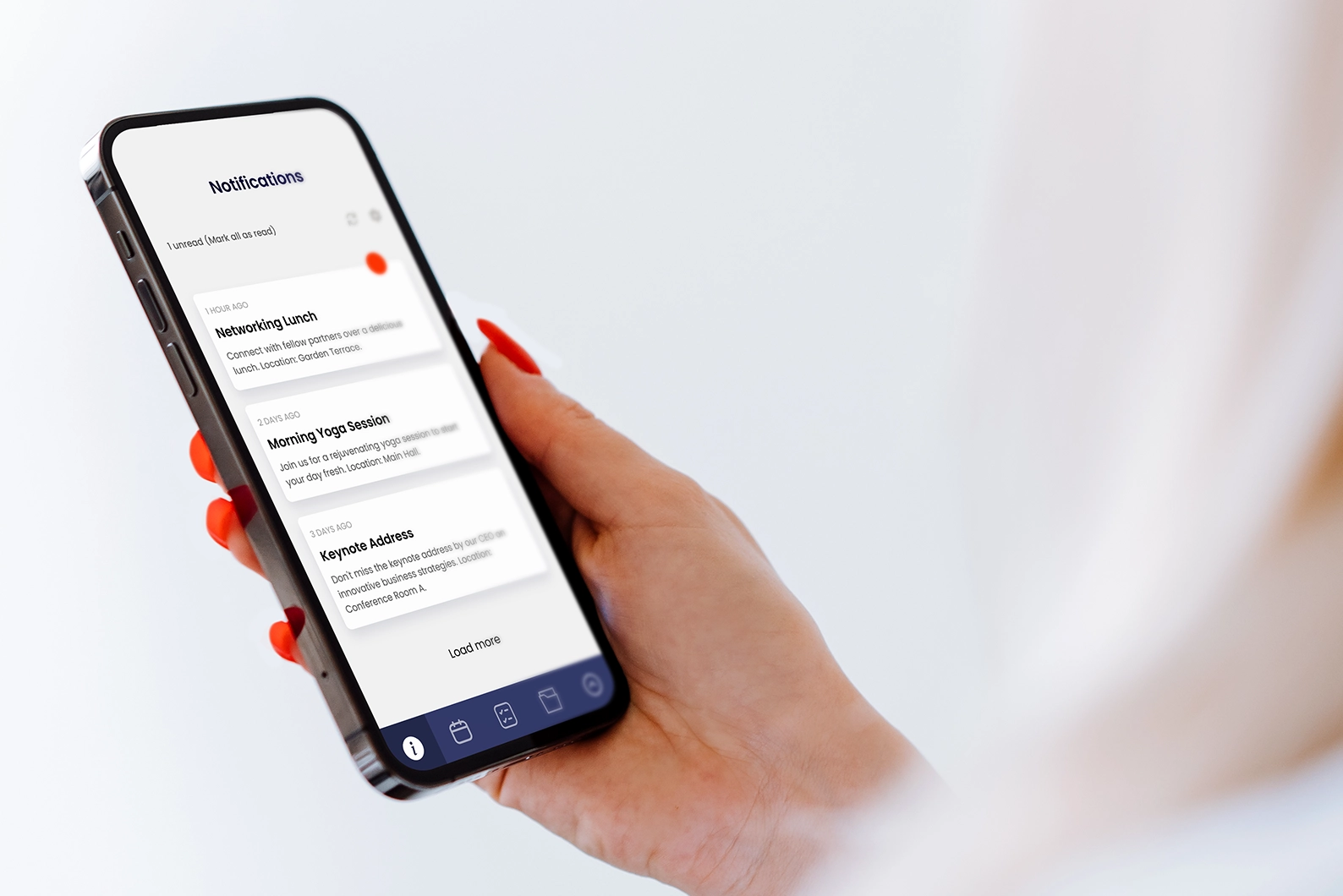
Keep Everyone on Schedule With Real-Time Retreat Updates
- App and Email Notifications: Send reminders, schedule changes, and key announcements in real time.
- Targeted Updates: Share relevant information with specific groups, such as speakers, organizers, or attendees.
Resources
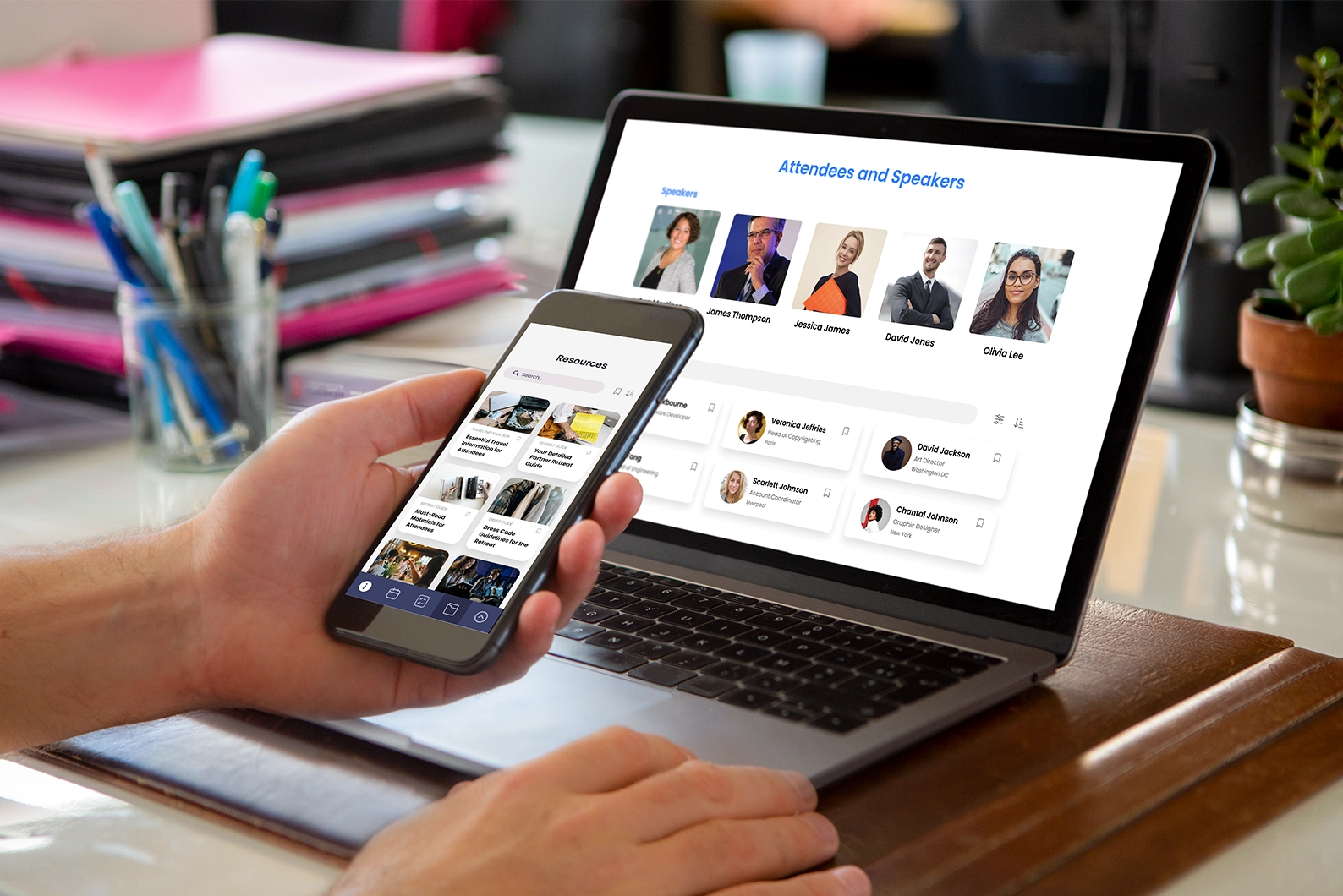
Put Key Resources at Their Fingertips
- Resource Library: Share reading materials, travel details, dress code guidance, and event resources.
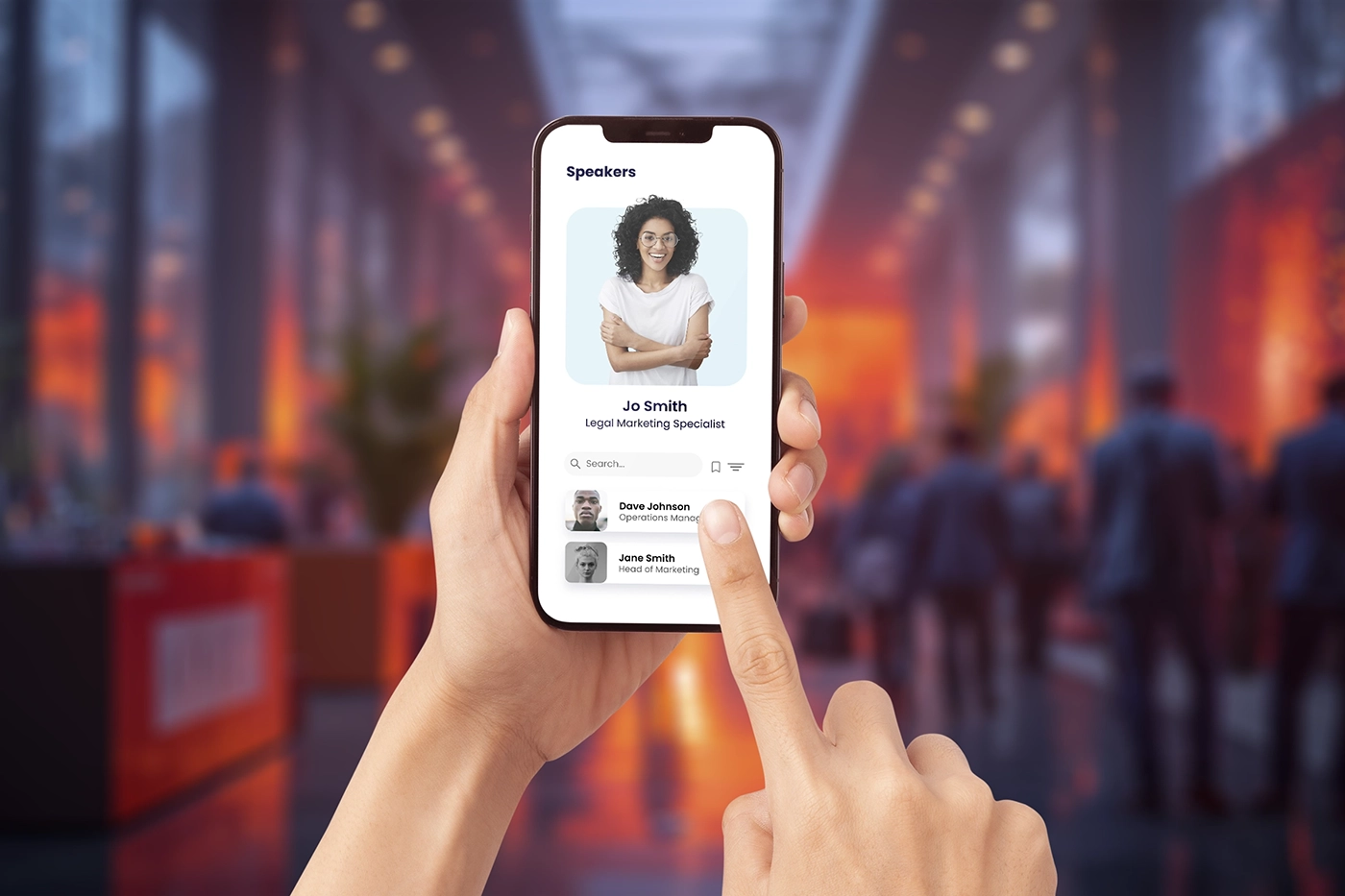
- Profiles for Key Contacts: Provide speaker, facilitator, and key contact profiles with schedules.
- Session Notes: Let participants capture notes directly in the app.
Social
Turn Retreat Moments Into Shared Conversations and Lasting Engagement
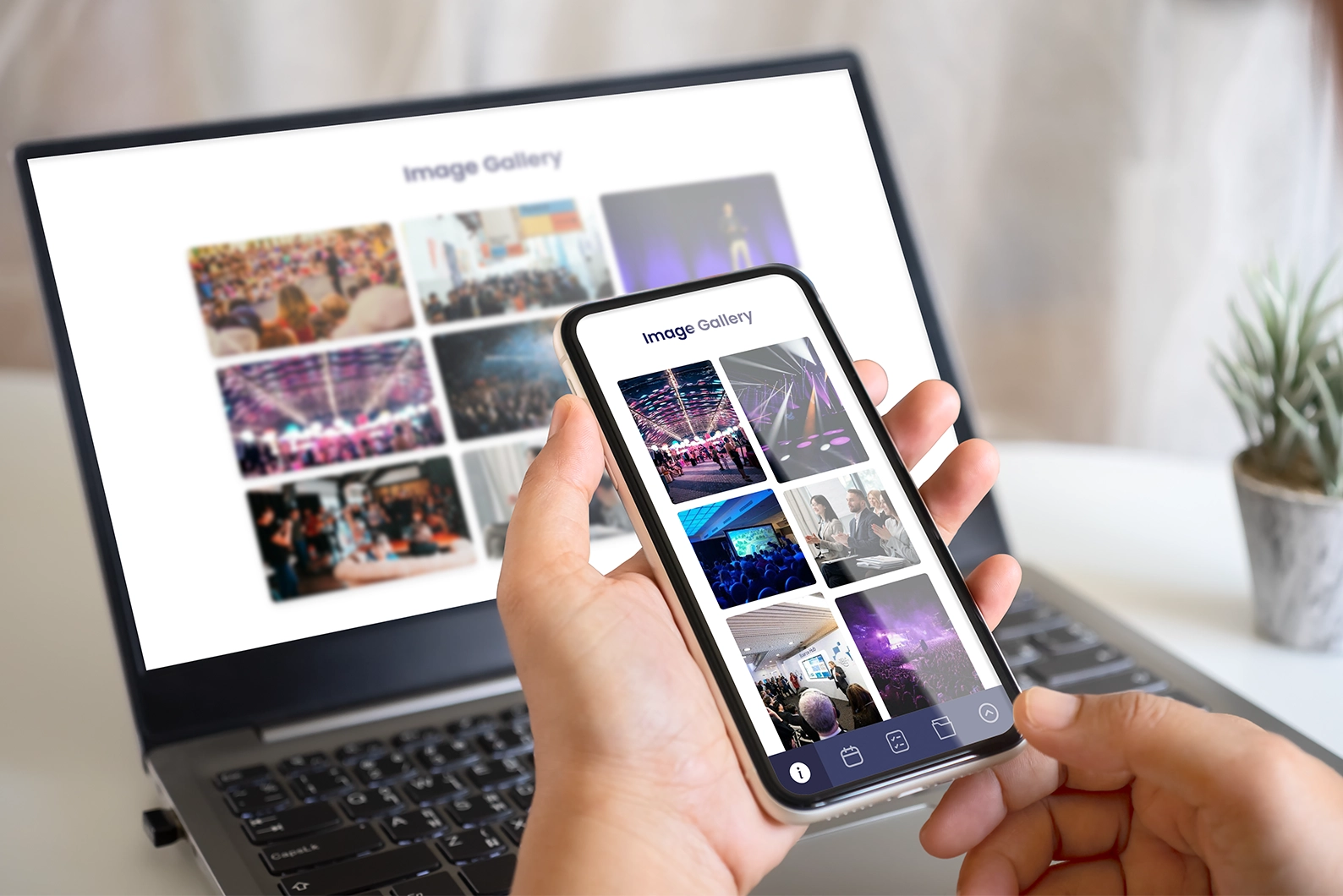
- Photo and News Feed: Let people post, like, comment, and share photos.
- External Sharing: Help attendees share updates and highlights from your retreat.
Digital Business Cards
Help Teams Connect Beyond Sessions
- Networking Opportunities: Help participants connect across teams and exchange ideas.
- Group Chats: Support topic-based discussions and collaboration.
- Feedback and Support: Give attendees a clear channel for questions and feedback.
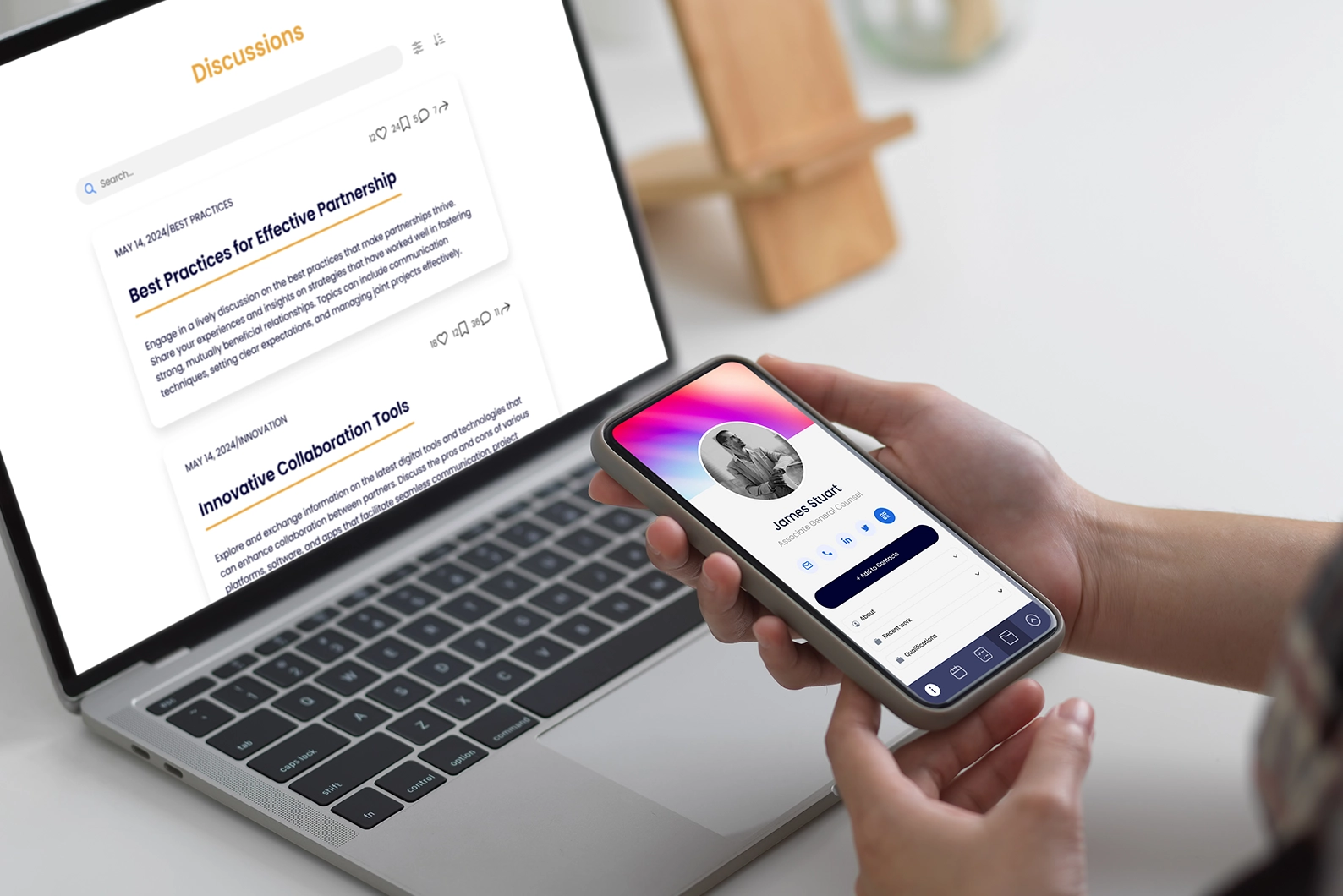
- Digital Business Cards: Let people exchange contact details with one tap.
Floor Plan
Make Every Retreat Space Easy to Find and Navigate
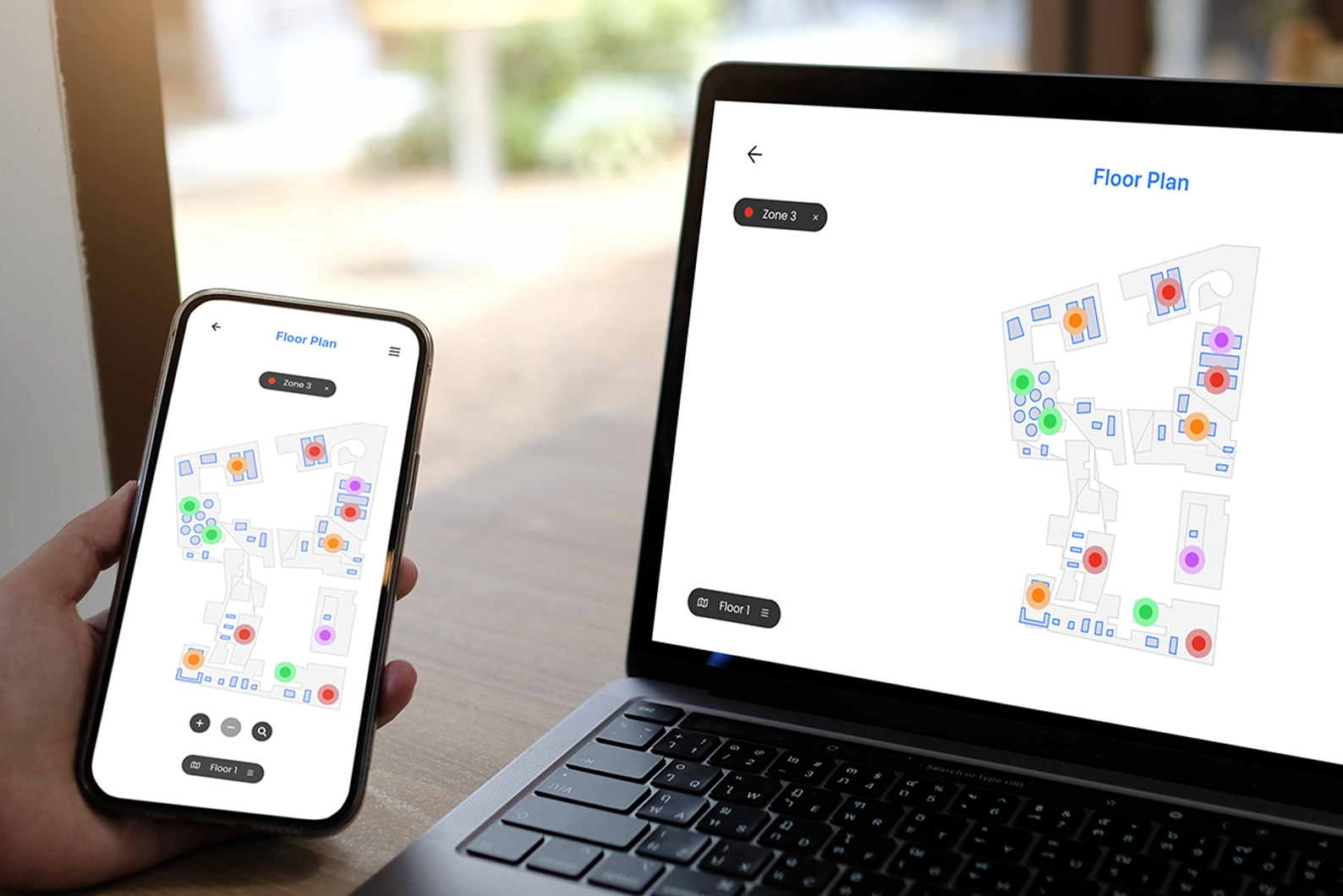
- Interactive Maps: Show points of interest, venues, and facilities around your retreat location.
- Floor Plans: Help attendees navigate event spaces with map and floor plan views.
- Free-Time Activities: Help employees and senior staff find activities during breaks.
Live Polls
Capture Insights While the Event Is Live
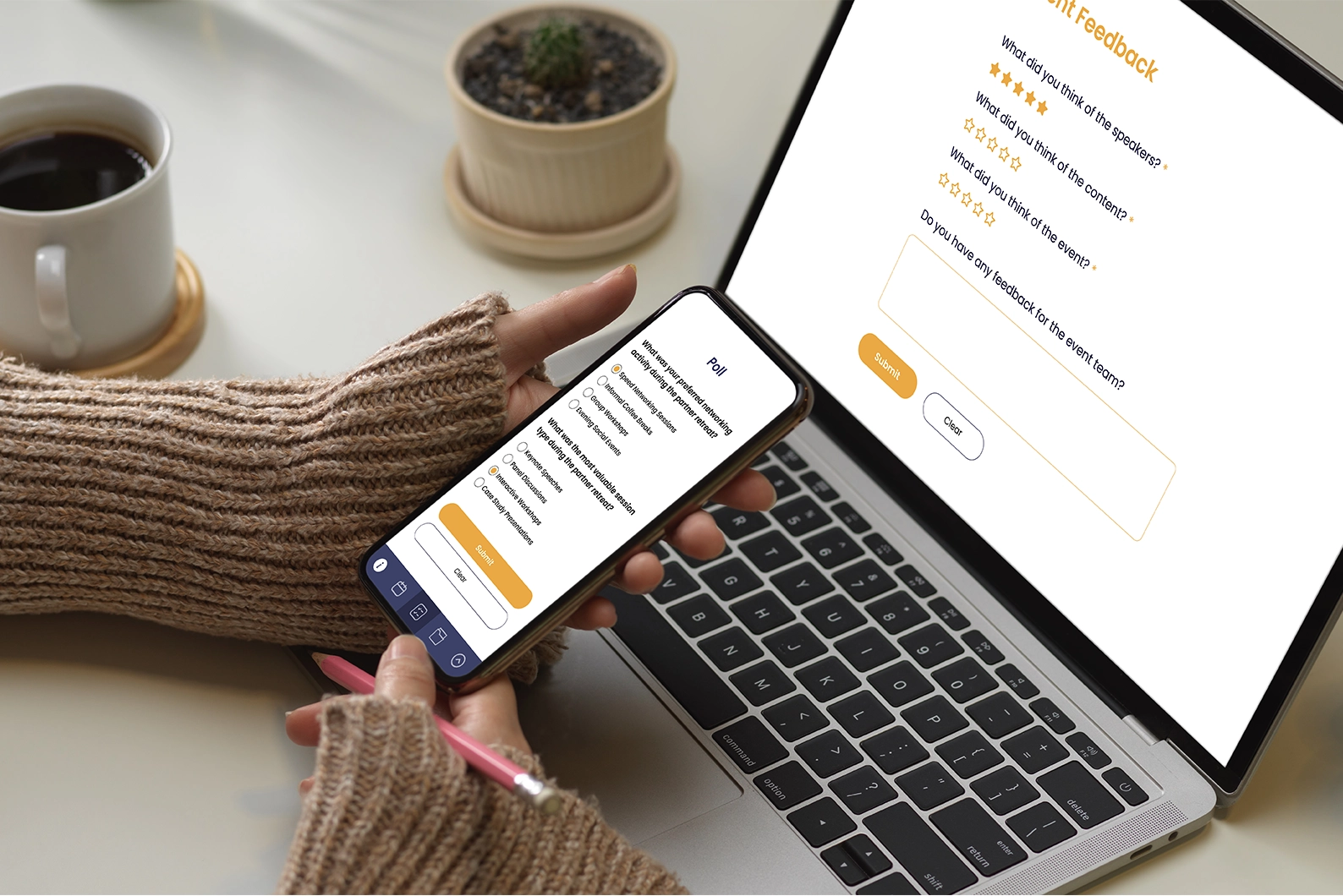
- Post-Event Surveys: Collect feedback after the retreat to improve future plans.
- Live Polls and Q&A: Capture input during sessions while attendees are engaged.
- Session Feedback: Gather targeted feedback to improve each session.
SSO
Keep Entry Simple and Controlled
- Language Options: Offer multilingual support for diverse teams.
- SSO Access: Keep your event secure with single sign-on authentication.
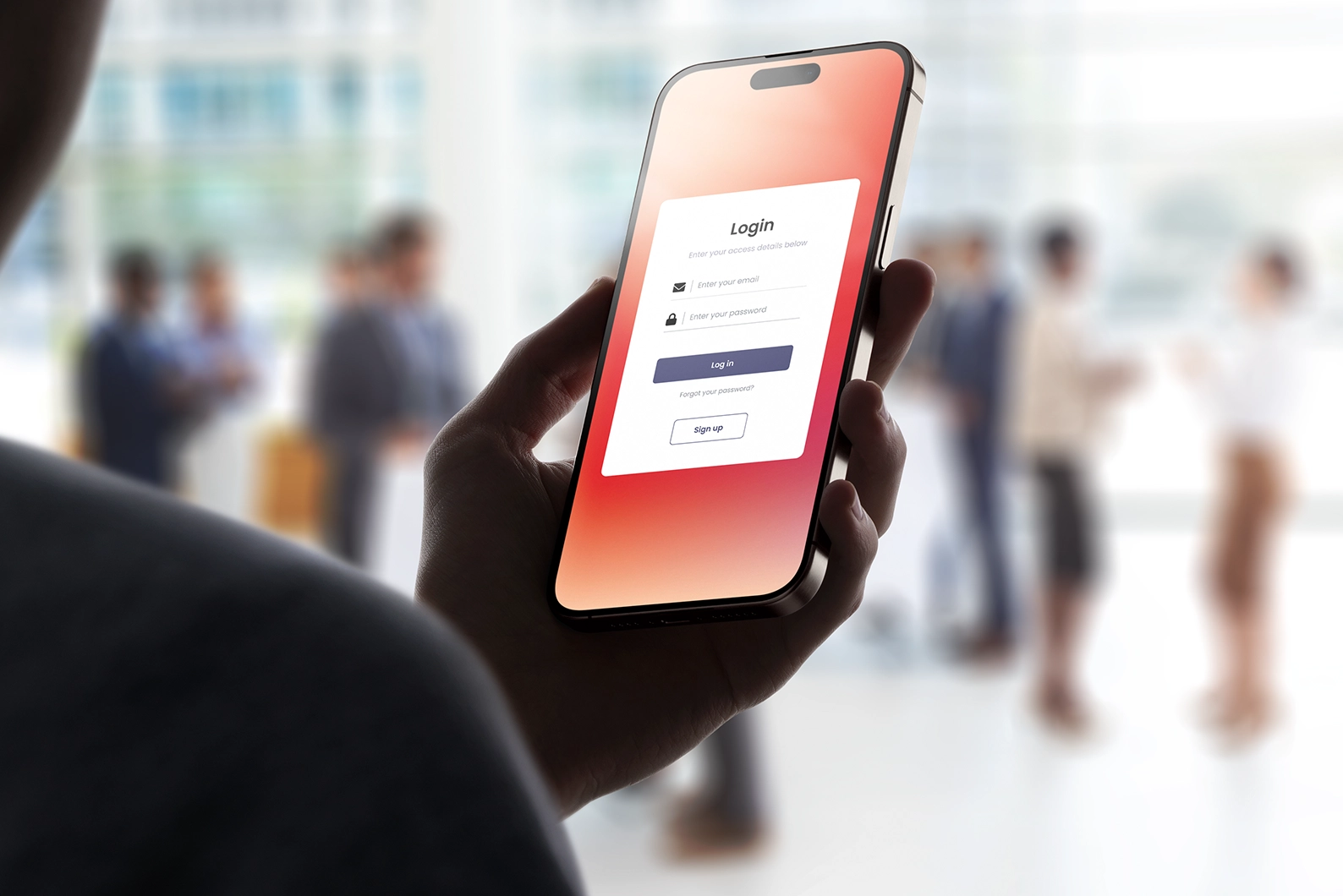
Stories
Why Teams Choose Fliplet for Retreats
See how teams use Fliplet to run branded retreats with confidence.

"We can set up pages and apps, which you can deploy anywhere within the space of minutes and hours."
"One of the key features in our partners conference app is the notes section - having all of the partners' key takeways from sessions in one place has been great."

"A member of our marketing staff last year built out a mobile app for our attorneys' firm retreat. She was able to do that with very little involvement from IT."

"You can go very quickly from the prototype to the MVP and then to the live product."

"Overall we've been pleasantly surprised by how little time it's taken to keep maintaining the app once it's been up and launched."

Case Study from an AM Law 200 Firm
Facing time constraints and feature gaps in a previous solution, this AM Law 200 firm chose Fliplet to improve the attendee experience for its European retreat.
Read full Case Study"The feedback has been phenomenal. They love the ease of use, they love the way the content is laid out. It became THE trusted resource throughout the conference."
Events Manager
AI-Powered Event Features

Universal Search
Help attendees quickly find agenda items, speakers, people, and event details with one search.

Bio Generator
Generate consistent profile bios using attendee background, role, and experience details.

Content Generator
Create event content and images quickly, including venue and transportation details.
Everything You Need for Retreat Events
Ready-to-Use Mobile Experience
Launch quickly and customize screens and features for each retreat.
Clear Attendee Communication
Share agenda updates and files in one place, then send timely notifications.
Higher Engagement and Networking
Use discussions, awards, and gamification to keep people engaged.
Unlimited Event Management
Manage as many retreats and events as you need with one solution.
See it in Action
The Features You Need.
Built in Hours, Not Weeks.
Personalized Agenda and Schedule
Let attendees search, bookmark, and filter sessions to build a personalized agenda.
Floor Plan
Show stages, booths, registration, and key areas in an interactive floor plan.
Speaker and Attendee Directory
Help people connect with profiles, contact details, and participant lists in one place.
Meetings
Let attendees request and schedule meetings directly in the app.
Chat
Keep conversations active with live chat before, during, and after sessions.
Discussions
Create discussion spaces where attendees can share ideas and ask questions.
Gamification
Increase participation with points, challenges, and recognition.
Polls, Surveys, and Questions
Collect feedback in real time and measure session performance.
Digital Reception
Keep agenda details, updates, discussions, and exhibitor information in one place.
Session Info
Give attendees session details, materials, polls, and speaker information in one view.
Notifications
Send push, email, and SMS updates so attendees never miss key moments.
Multiple Events
Manage multiple events in one place and help attendees filter what they need.
Check-In and Check-Out
Track attendance in real time and review engagement data after each event.
Reports and Analytics
Measure attendee activity and turn event data into clear next steps.
Brand Your Experience
Match colors, logo, and fonts so your event experience reflects your brand.
Configure Features
Choose the screens and features your retreat needs, then adjust them quickly.
Upload Your Content
Share files and updates before and during your event in seconds.
Use on Any Device
Deliver one experience across web, iOS, Android, desktop, and tablet.
Most Popular Screens in Fliplet
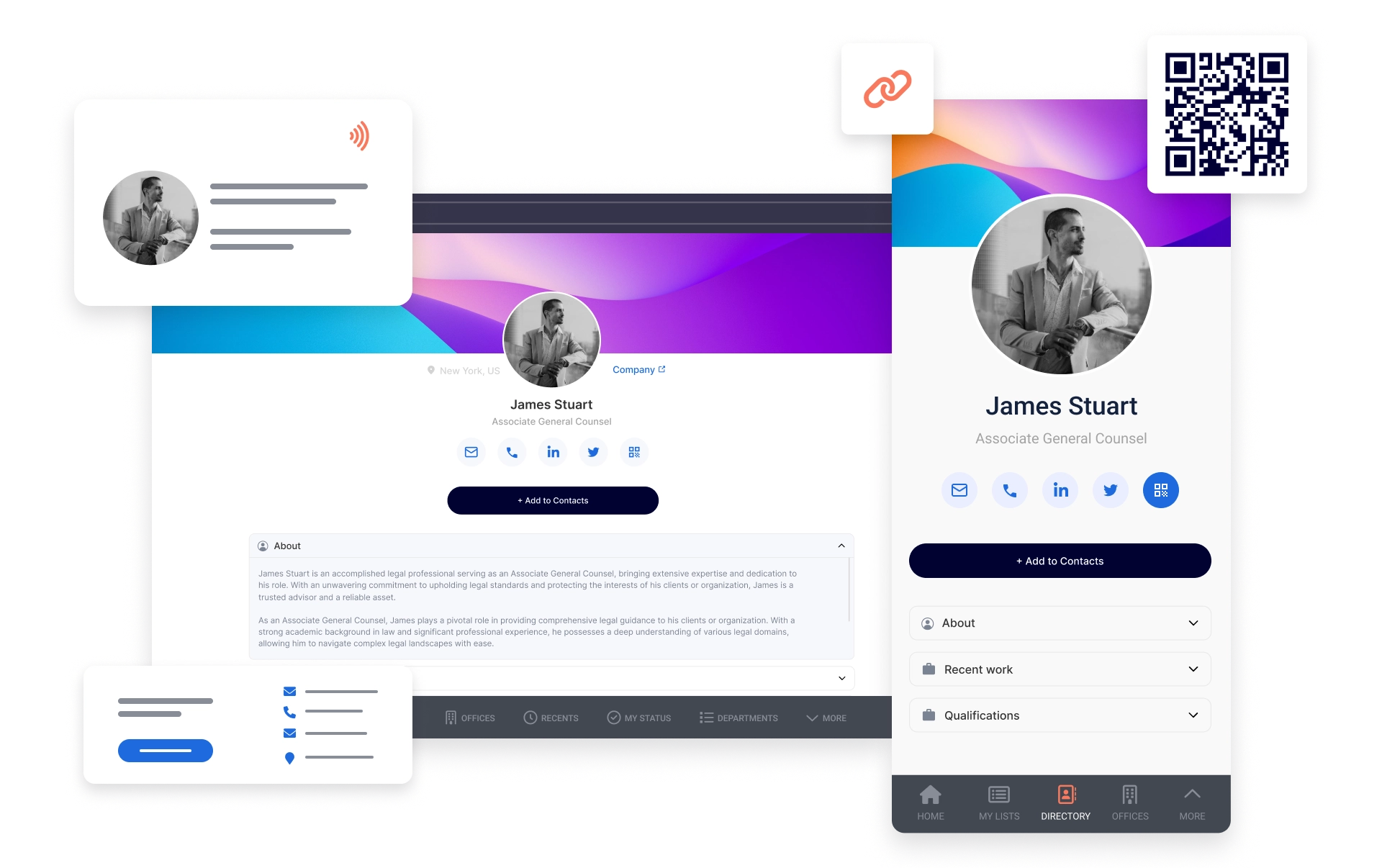
Digital Business Card
Allow attendees to network during the event with easily accessible and paperless digital business cards. Share your contact details with just a single tap.
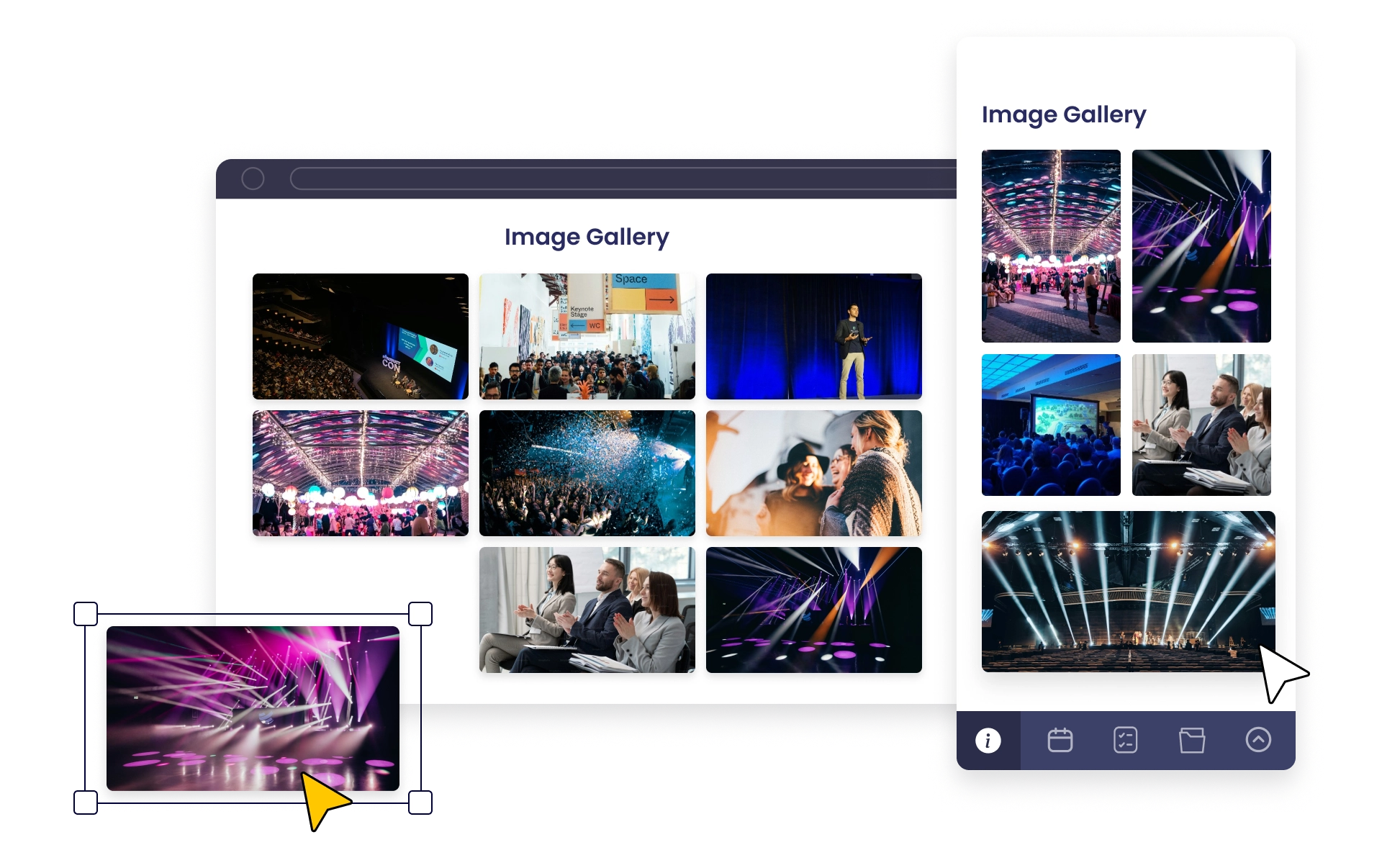
Photo Gallery
Create buzz around your event. Encourage attendees and sponsors to post images and share moments.
How Fast Can You Launch?
Typical launch timeline
0
Build and test app
0
Launch web app
0
Launch iOS and Android app
* With existing app store accounts; app review time not included.
More Fliplet Features

No IT Team Required
Launch without coding or installation. Fliplet supports secure data handling and compliance requirements.

Secure and Compliant
Fliplet is ISO 27001 certified and uses encrypted data and secure HTTPS connections.

Instant Updates and Easy Maintenance
Make updates quickly and keep content current before, during, and after your retreat.

Notifications
Send targeted push, SMS, and email notifications based on attendee needs.

Help and Support
Choose the support level that fits your team, from live chat to dedicated guidance.

Integrate With Existing Systems
Connect Fliplet with systems including Salesforce, YouTube, RSS, social media, and databases.
Recognized for excellence and ease of use


Support and Security You Can Trust
Fliplet gives your team the support and security needed for enterprise events:
- Live Chat, Email, and Community: Get answers quickly from the Fliplet team and other users.
- Support Documentation: Use guides, videos, and search to find answers fast.
- Security: ISO 27001 certified with enterprise-ready security controls.
FAQs
Frequently Asked Questions
How can an event retreat app enhance my event?
A retreat app keeps agenda, updates, networking, and resources in one place so attendees stay aligned and engaged.
Why choose Fliplet for retreats?
Fliplet gives you customizable features, enterprise-ready security, and easy setup for retreats of any size.
What features should a retreat app have?
A strong retreat app should include agenda management, notifications, chat, profiles, discussion spaces, and networking tools.
How do I create an online retreat app?
Start with your retreat goals, then configure agenda, communication, and engagement features in Fliplet. Test the experience and launch across web and mobile.
Can I brand the retreat app for my organization?
Yes. You can match your retreat experience to your brand with your logo, colors, and style across web and mobile.
Can attendees use the retreat app on both desktop and mobile?
Yes. Fliplet supports web, iOS, and Android so attendees can access the same experience on any device.
Can I send updates during the retreat?
Yes. You can send push, email, and SMS notifications for schedule updates, reminders, and key announcements.
How does Fliplet support secure access?
You can control access with secure login options, including SSO, and manage permissions based on your event requirements.
Can I collect feedback from attendees?
Yes. Use live polls, Q&A, and post-event surveys to collect feedback and improve future retreats.
Can Fliplet integrate with our existing systems?
Yes. Fliplet can connect with systems such as Salesforce, databases, and other tools used by your team.
Set Up Fliplet for Your Retreat
Launch With Confidence
Set up your event experience in Fliplet. Choose a starting layout, customize it for your retreat, then test and launch.
1. Start Your Event Setup
1. Choose a starting layout 2. Add your branding 3. Set your event structure
2. Customize Your Experience
1. Edit screens 2. Add features 3. Preview on devices 4. Invite teammates
3. Test and Launch
1. Review your setup 2. Test on web and mobile 3. Publish your event experience
4. Measure and Improve
1. Review analytics 2. Update content in real time
Resources
Learn More About Fliplet's Event Technology


Book a Demo
See Fliplet in action
See how Fliplet helps your team run retreats with flexible setup, white-label branding, and secure access.
In your first meeting, we'll cover:
- Your retreat goals, constraints, and must-have features.
- How Fliplet supports your branding, audience, and event format.
- Answers to your questions about rollout, governance, and support.
- Next steps for a guided product walkthrough tailored to your retreat plans.
Not ready to book a time now?
Enter your email and we'll get back in touch.