How to Create a Stylish Event Website in Minutes for Free (+10 examples)

Wondering how to create an event website for free? This guide gives you step-by-step instructions and examples to inspire your own site, whether it's for a wedding, festival or an annual conference.
Key Takeaways
- Event websites are crucial for promoting events and should provide comprehensive details like date, location, and registration processes to engage attendees.
- Platforms like Fliplet offer intuitive solutions for creating stylish event websites without extensive design skills, allowing for easy customization with branding and content.
- Implementing essential elements such as clear event information, agendas, and networking opportunities enhances user experience and drives attendance.
Stunning Event Websites to Spark Your Creativity
Creating a good event website is a vital first step for event organizers to promote events effectively. An event website serves as the primary online representation of the event and is crucial for attracting and converting potential attendees. It provides comprehensive details, including agenda, registration processes, speaker information, location, and date. Using interactive elements and aesthetically pleasing designs can significantly enhance the user experience. Consistency in visual identity across different editions of an event can create memorable branding and recognition. In today's digital age, the best event websites combine functionality with visual appeal, serving as both an information hub and a promotional tool.
How to build a stylish event website
Creating a stylish event website with Fliplet involves a straightforward process that can be broken down into clear steps:
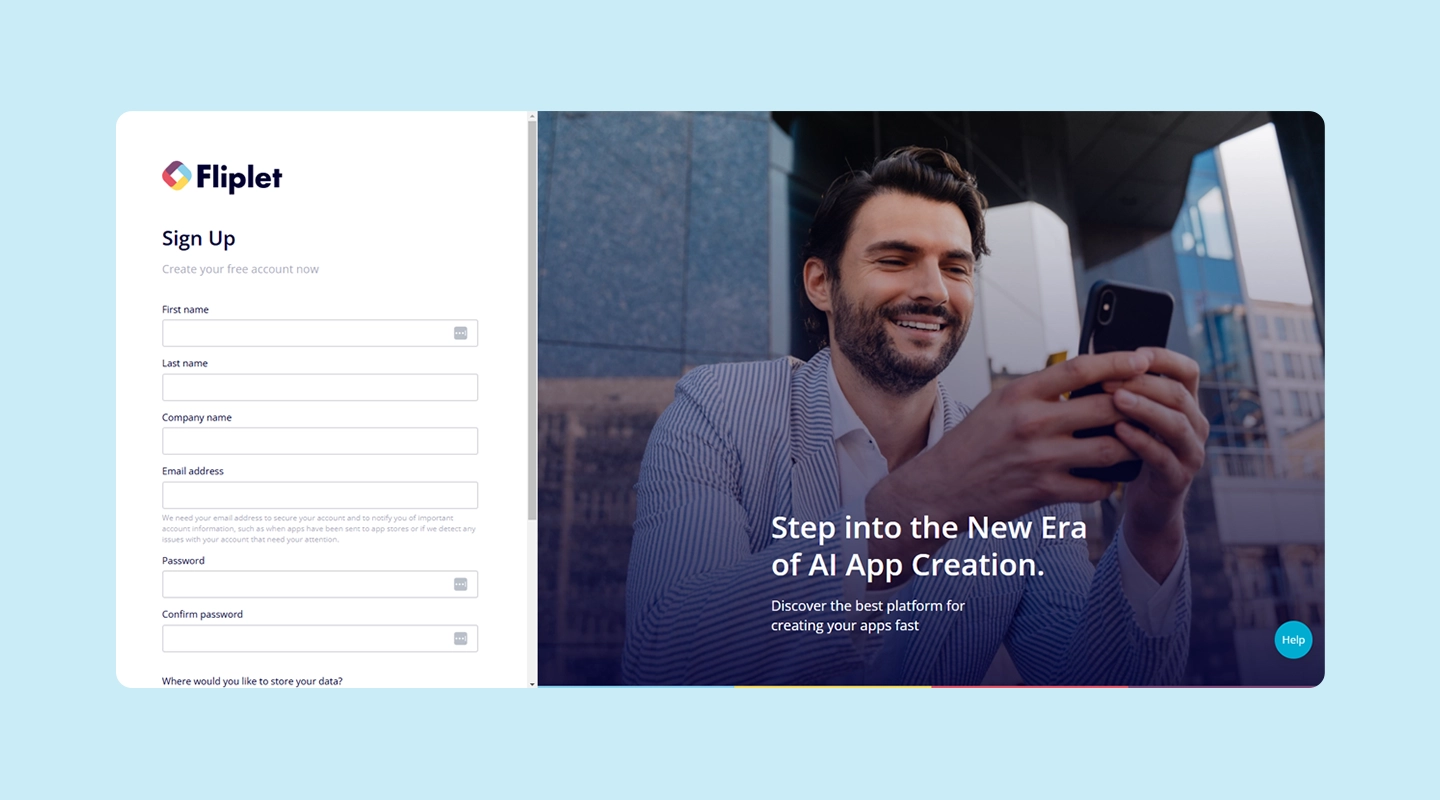
Step-1: Sign up for Fliplet and choose the event solution that best fits your needs, whether it's a music festival, conference, or wedding. Fliplet offers templates tailored for various event types.
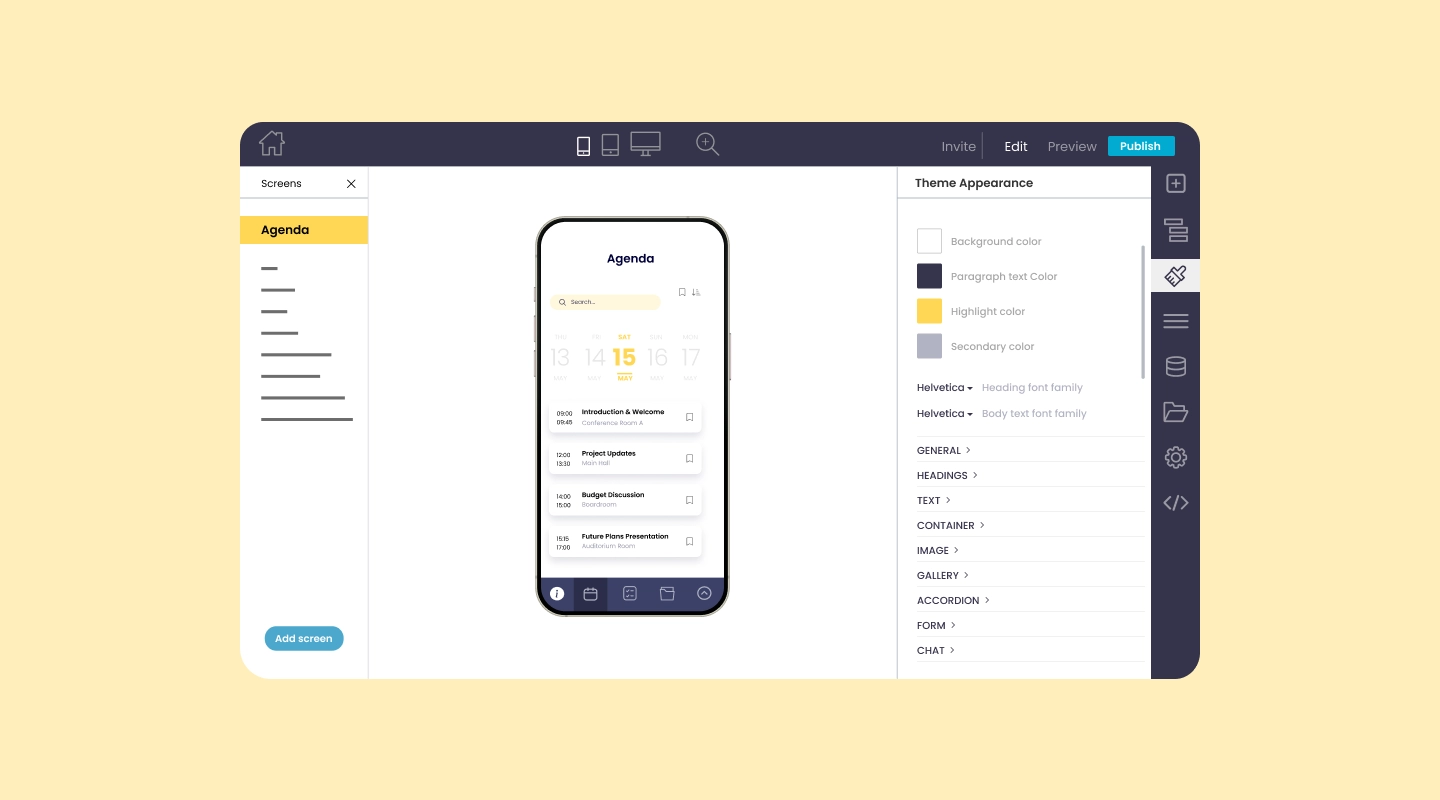
Step-2: Personalize your site by adding your branding and agenda, ensuring it reflects the unique style of your event. This includes uploading your logo, selecting a color scheme, and inputting the event schedule.
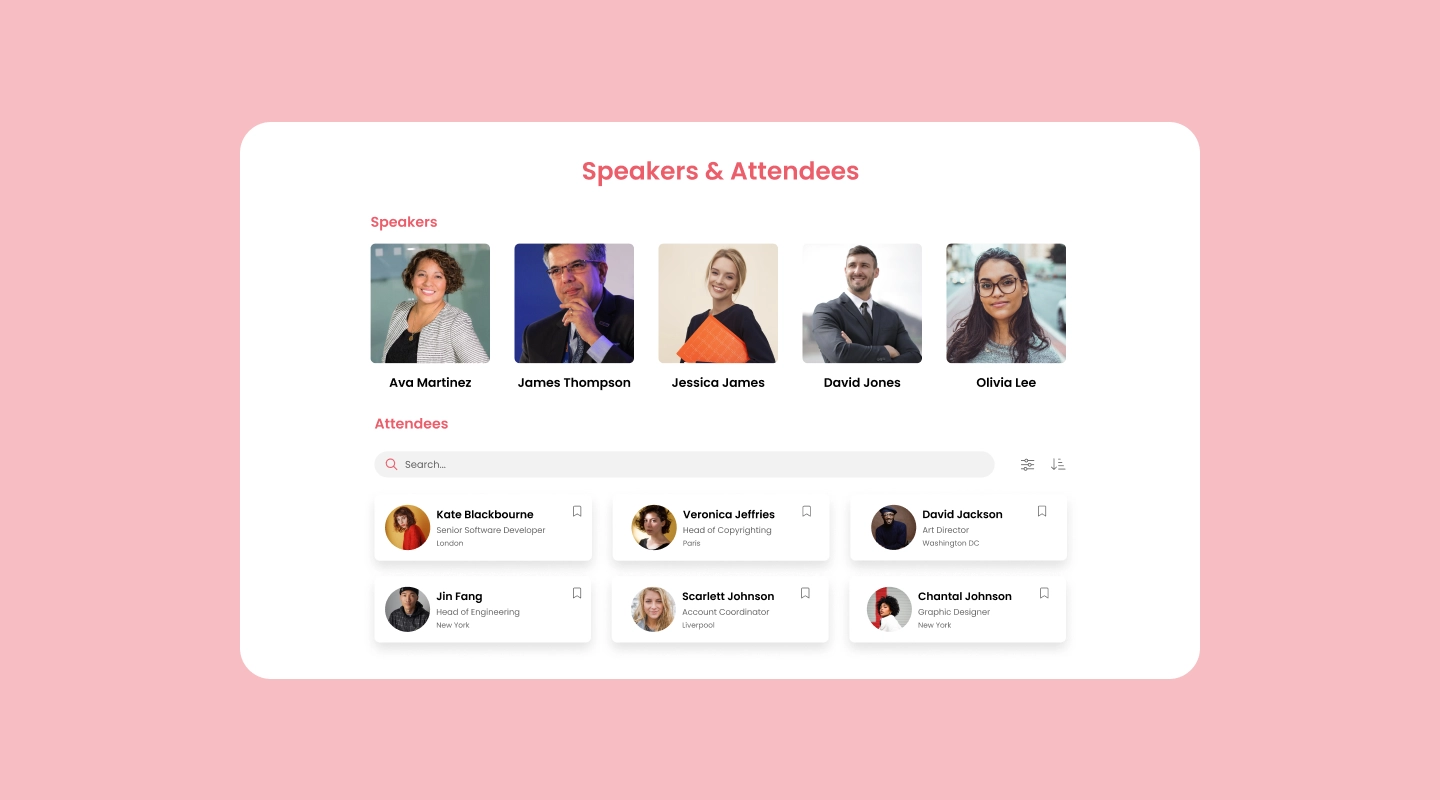
Step-3: Enrich your website with content by adding detailed speaker profiles, including biographies, photos, and session topics.
Step-4: Publish your web app and mobile app. Fliplet is free for your first 28 attendees, making it an affordable option for small to medium-sized events.
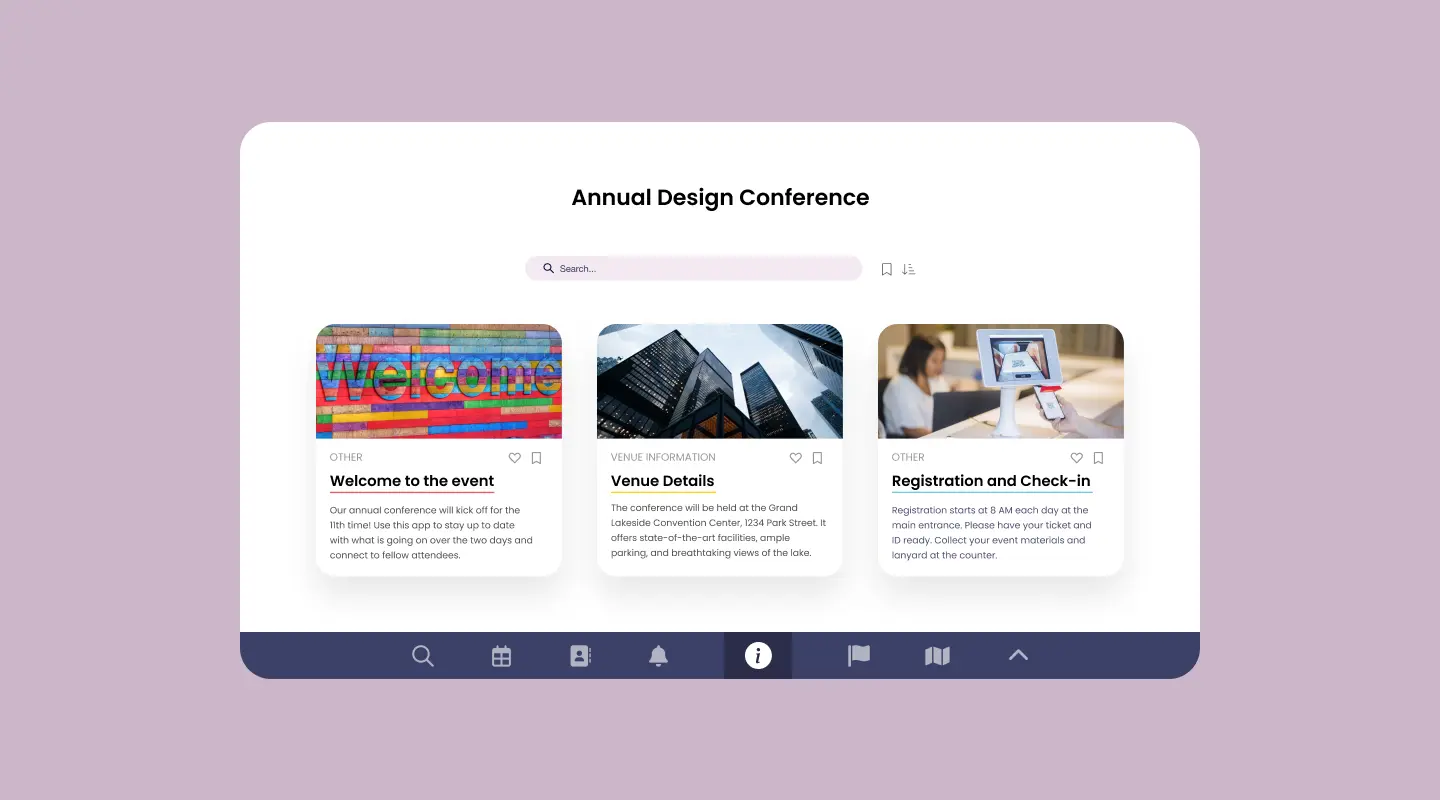
By following these steps, you'll be well on your way to creating a great event website that captivates your audience.
10 examples of top event websites to gain inspiration
Below you'll find ten examples of some of the best event websites that capture the essence and experience of various events. Each serves as the official point of contact for attendees, conveying essential details and setting expectations.
-
1. Coachella Valley Music and Arts Festival
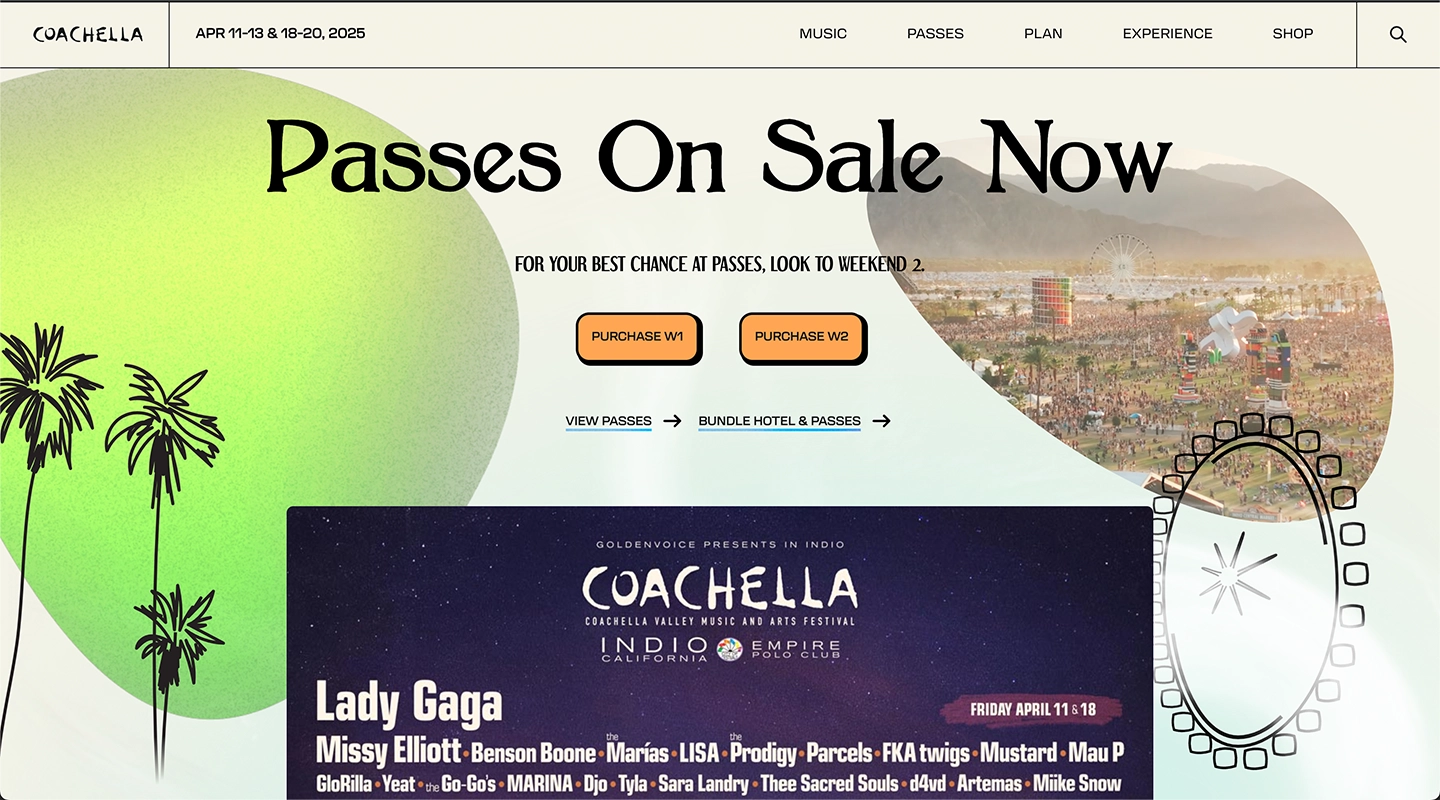
Visually appealing and functional; comprehensive lineup, schedule, venue info; ticket sales and social media integration.
-
2. Retail Design Awards

Streamlined interface, contact form, live communication.
-
3. Digital Art Fair

Immersive art focus, black background with white font, high-resolution images, RSVP page.
-
4. Websummit
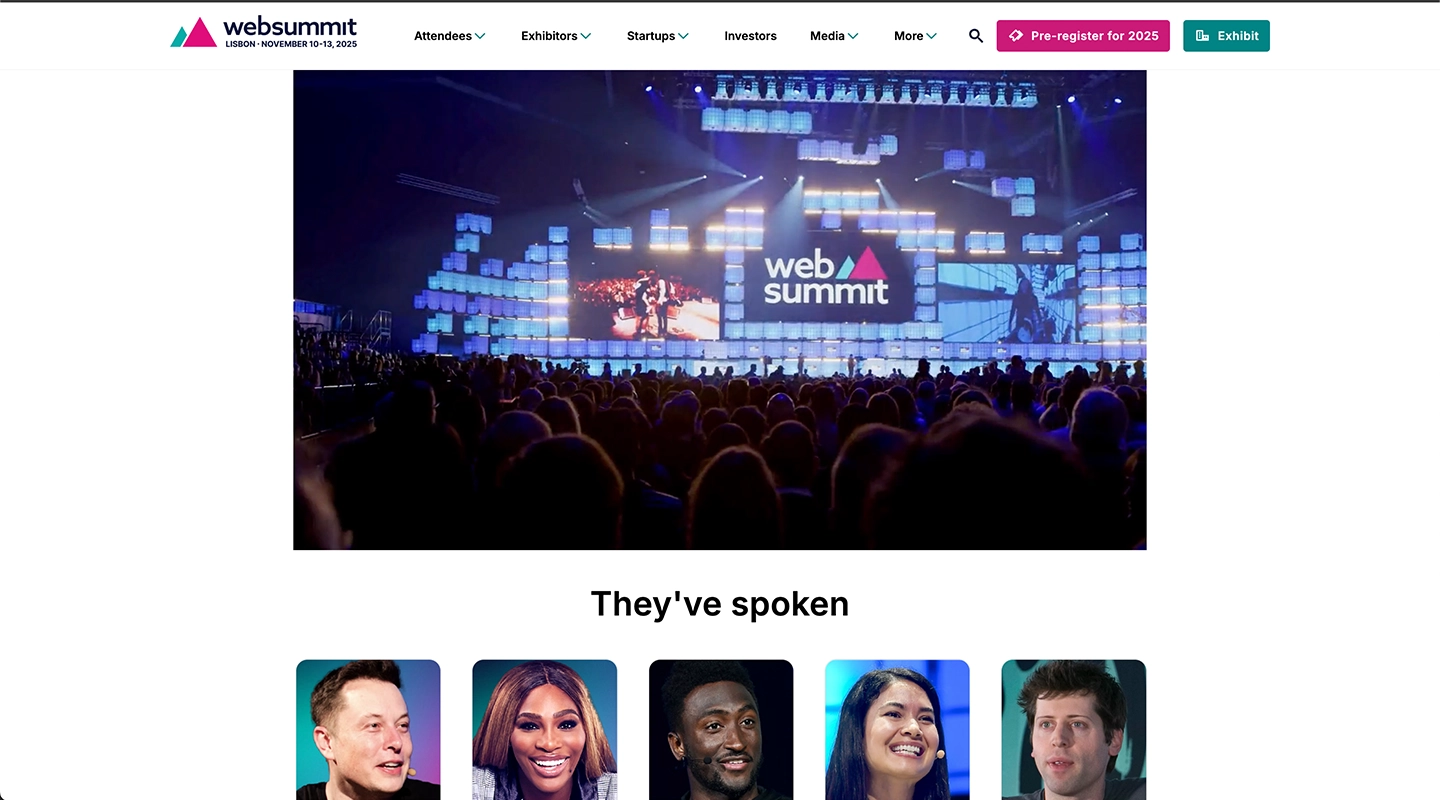
Large-scale event management, schedules, speaker profiles, ticket sales, networking tools.
-
5. London Marathon
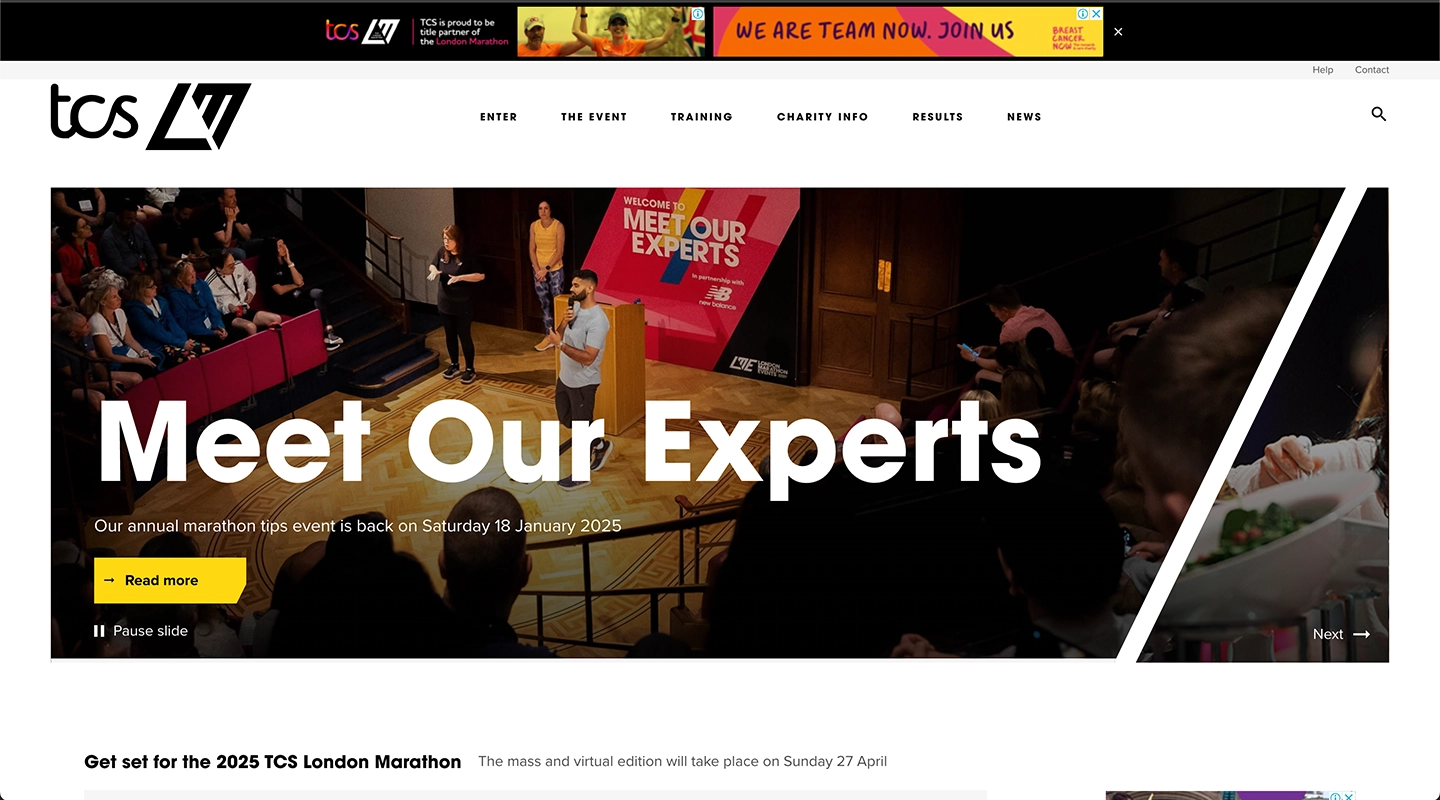
Schedule, route maps, participant guidelines, registration, social integrations.
-
6. Pumpkin Festival
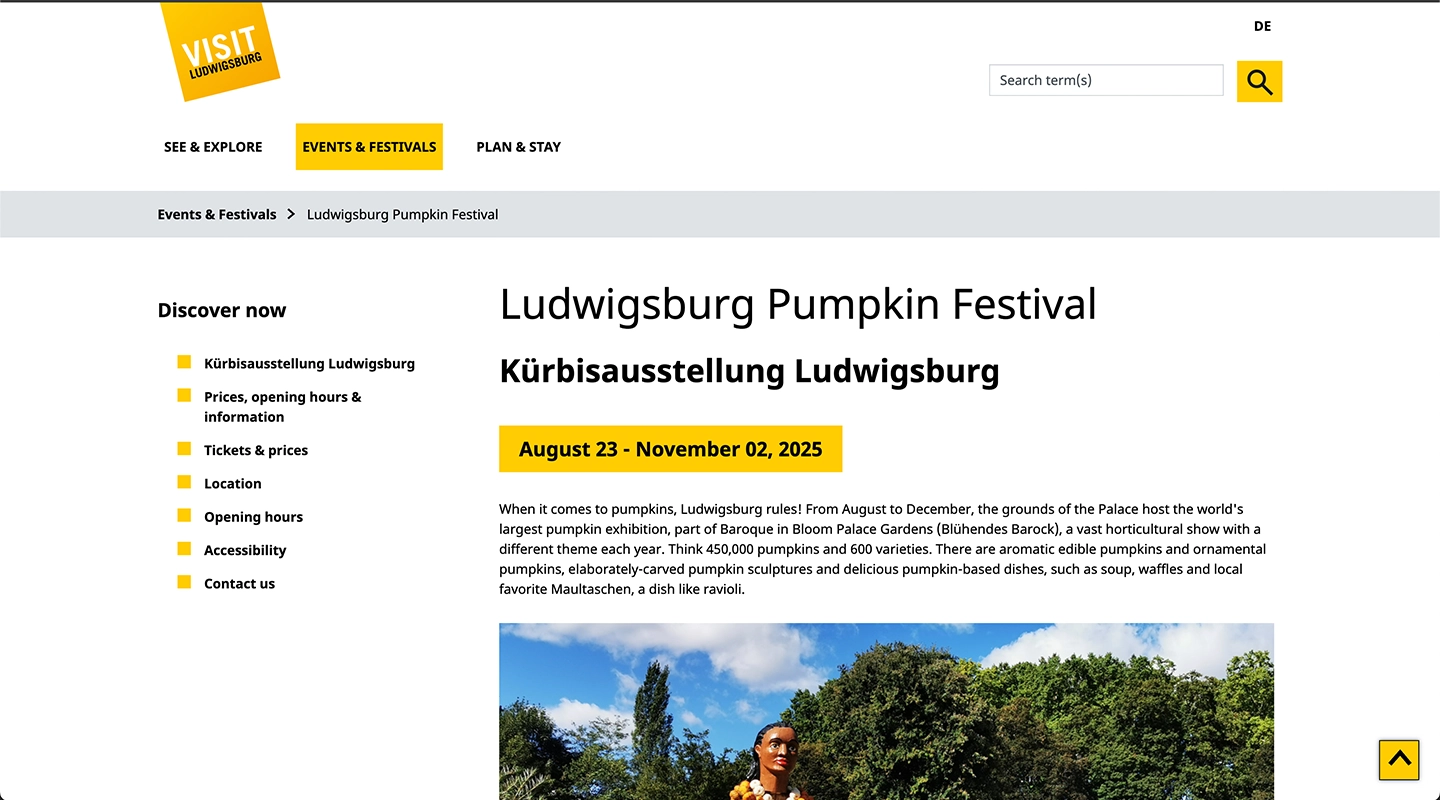
Seasonal color palette, location and contact in footer, scheduling tool.
-
7. Oktoberfest Celebration
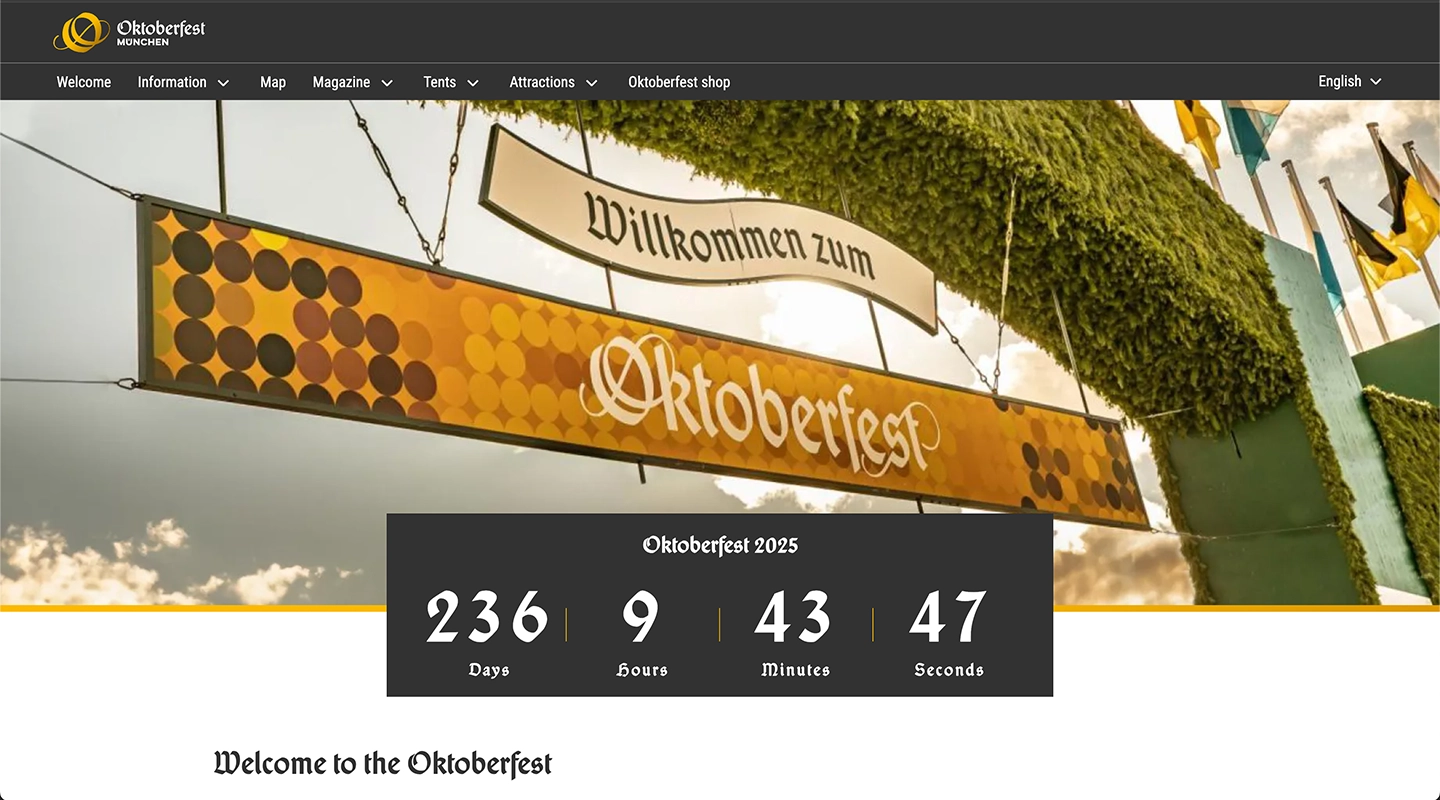
Vibrant atmosphere, countdown timer, images from previous years.
-
8. Affiliate World
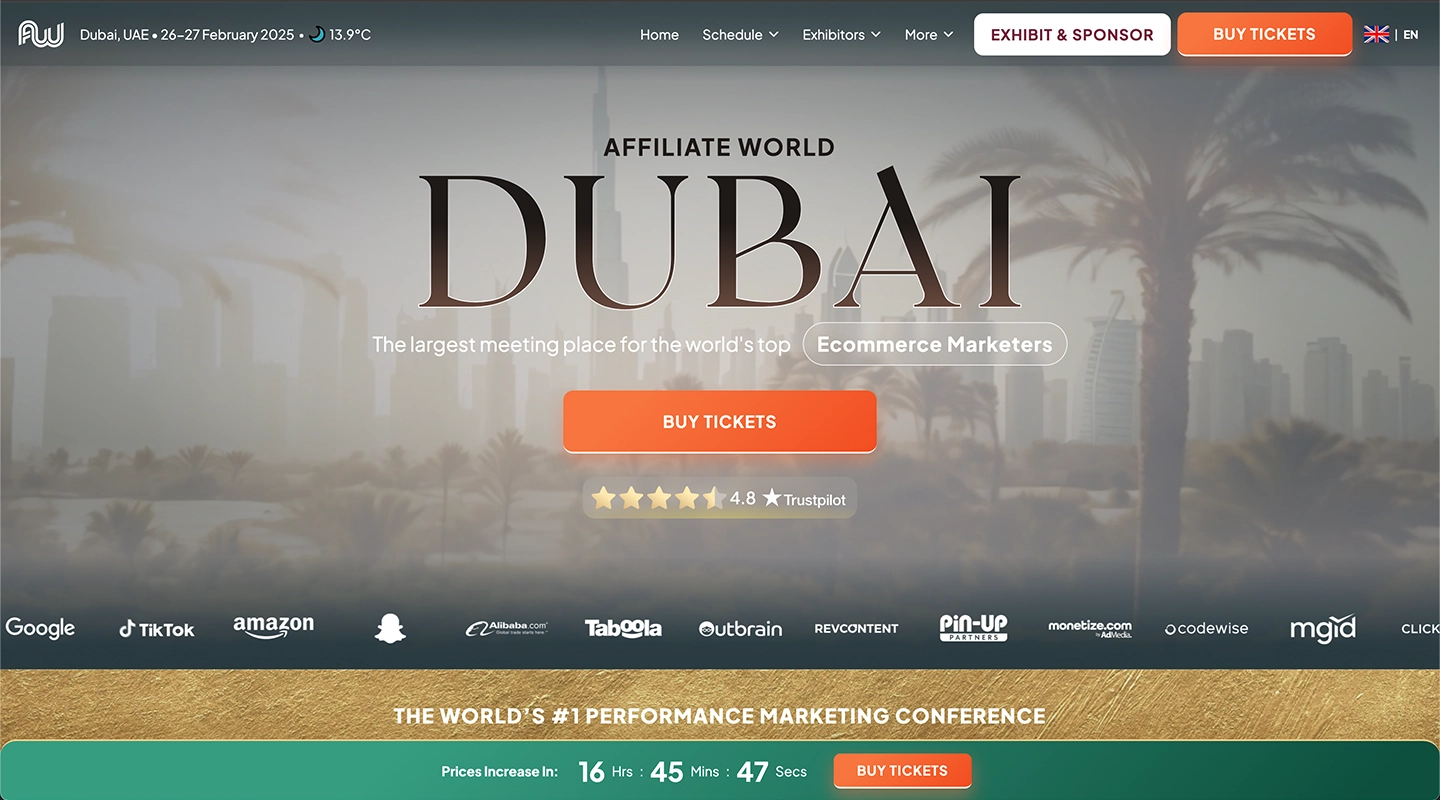
Agenda, speaker profiles, strong CTAs, testimonials.
-
9. Manufacturers Energy Security Summit
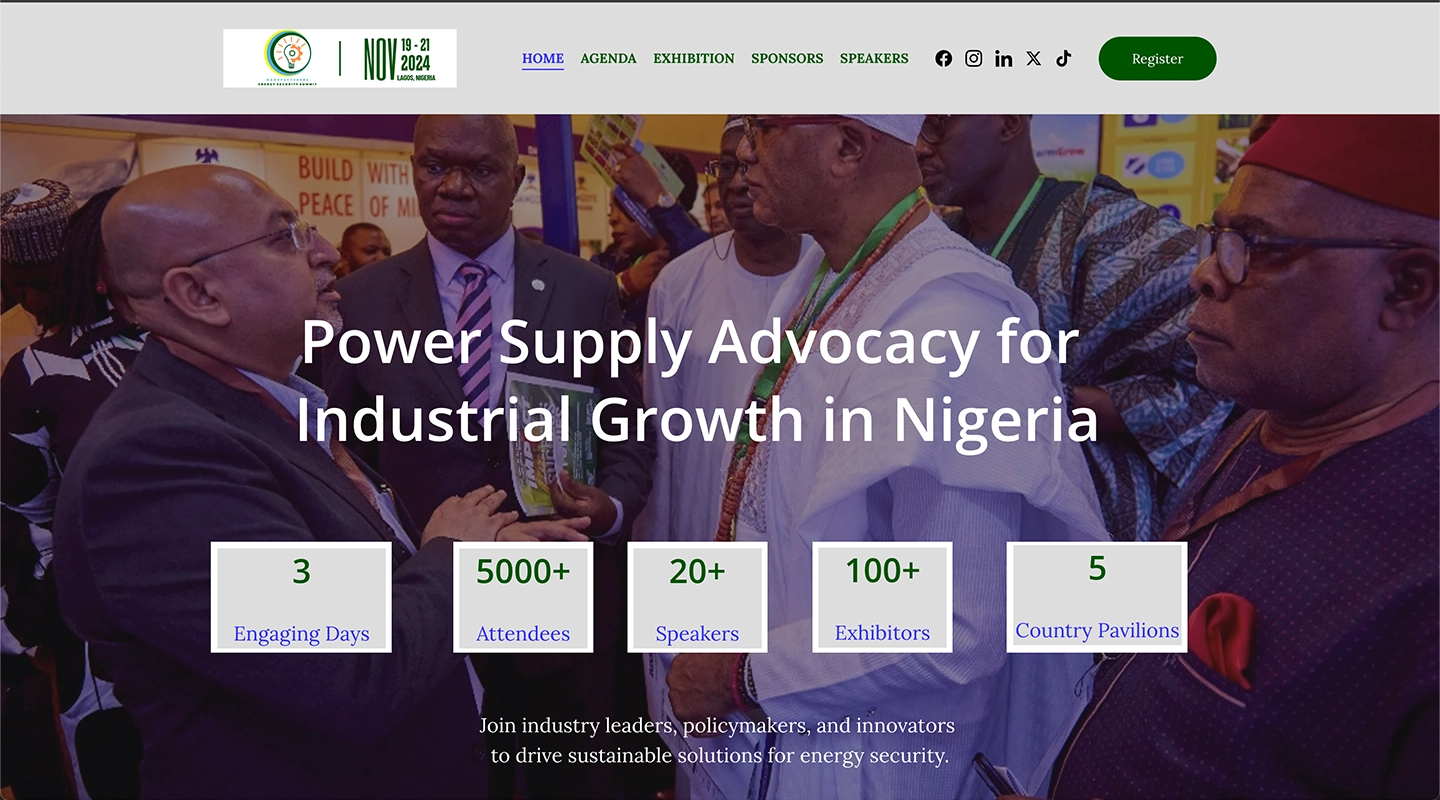
Clean layout, agenda, registration, networking.
-
10. Unleash by Outreach
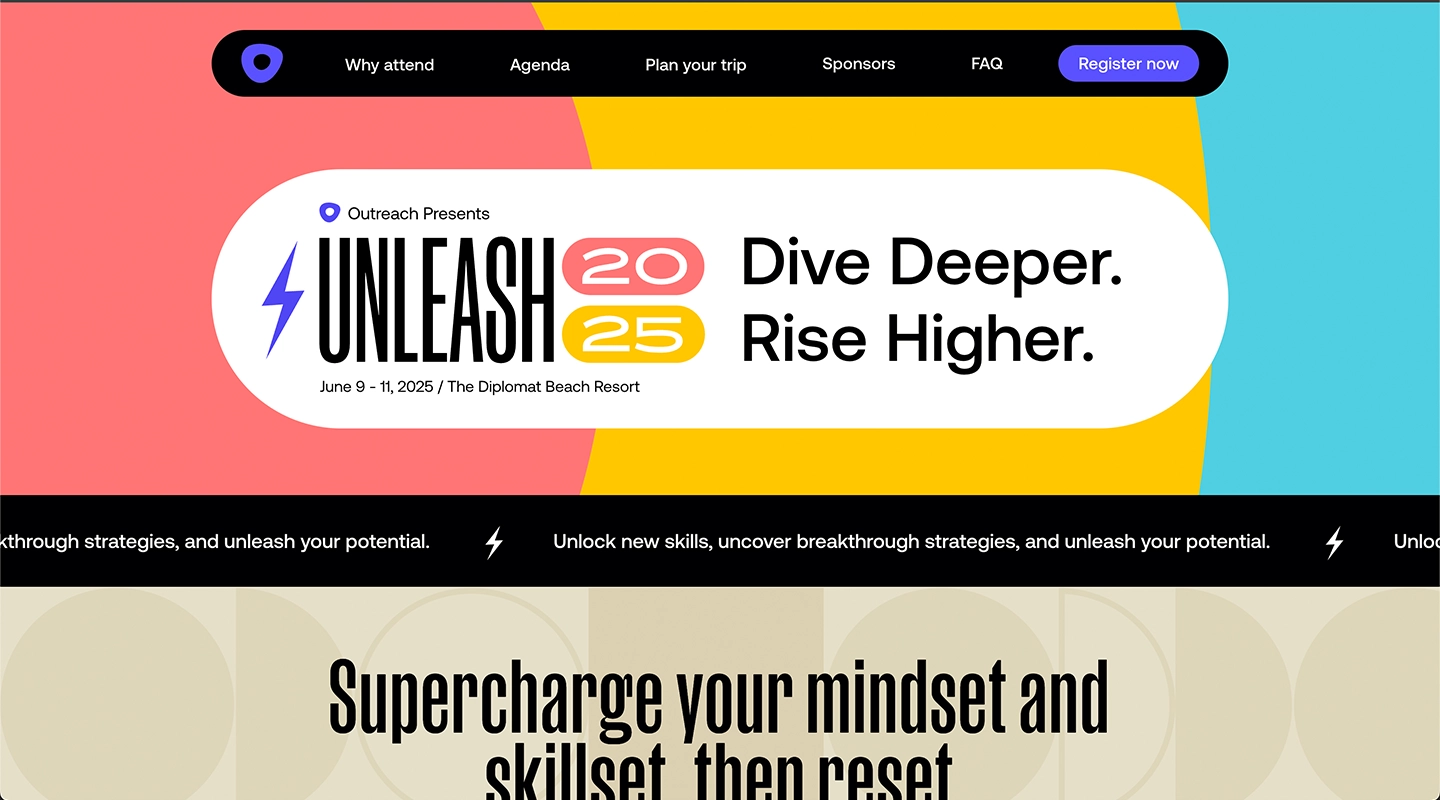
Dynamic design, schedules, ticket sales, multimedia content.
Understanding why you should create Event Websites
An event website serves as a central hub for event information and services. It enhances credibility and professionalism, providing a dedicated space for all relevant information. Websites can feature conferences, seminars, workshops, trade shows, concerts, festivals, and weddings. Utilizing an event website centralizes all information and updates, making it easier for attendees to access details. For event organizers, a good event website not only provides essential information but also promotes the event effectively, attracting potential attendees and ensuring a successful turnout.
Essential Elements of a Great Event Website
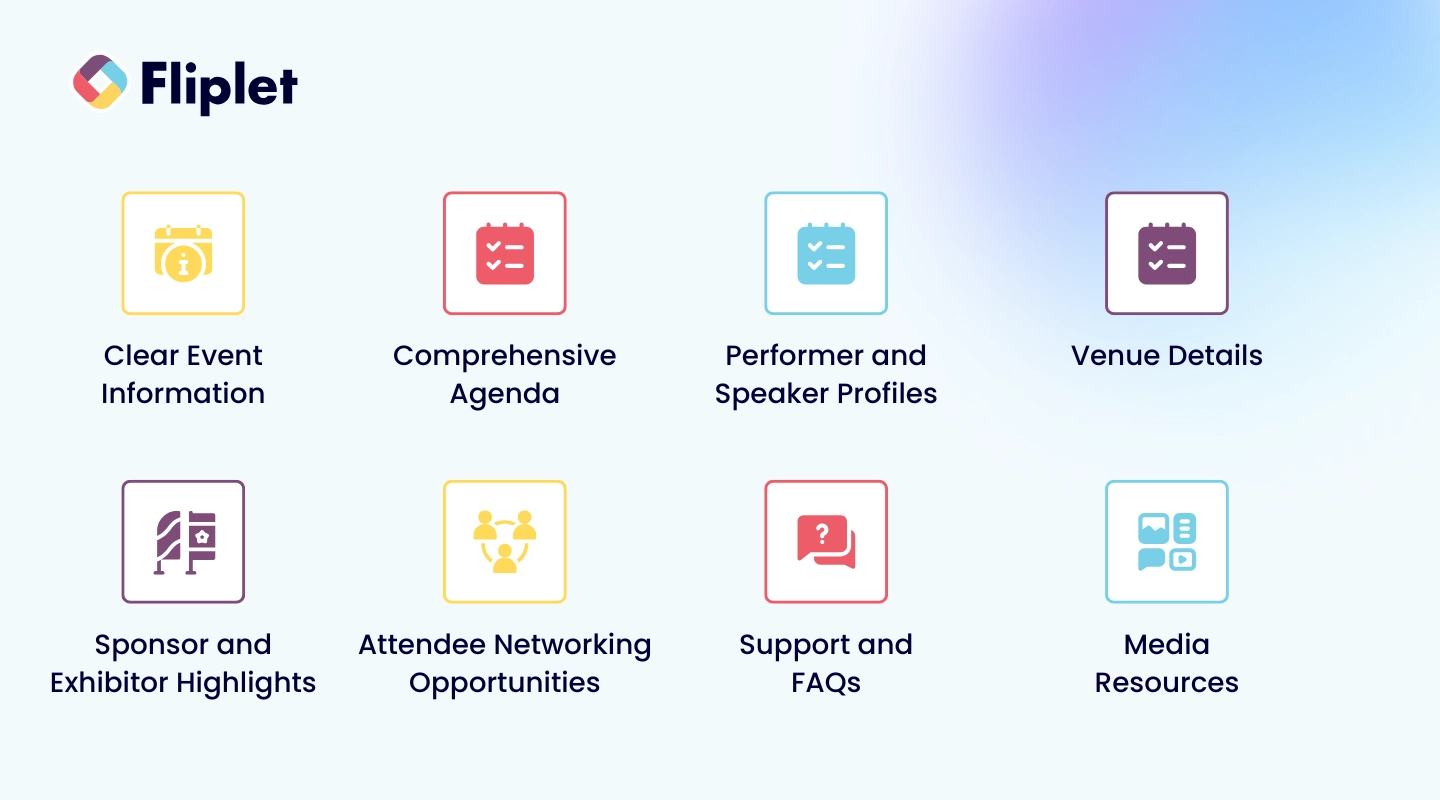
Creating a great event website involves incorporating:
- Clear Event Information—Name, date, time, location, and brief description prominently displayed.
- Comprehensive Agenda—Session details, timings, speaker information.
- Performer and Speaker Profiles—Biographies, photos, social media links.
- Venue Details—Address, map, virtual access options.
- Sponsor and Exhibitor Highlights—Logos and brief descriptions.
- Attendee Networking Opportunities—Social media links and community features.
- Support and FAQs—Frequently asked questions and contact information.
- Media Resources—Easily accessible media to enhance attendee satisfaction.
Promoting Your Event Website Online
Promoting your event website online is crucial for driving traffic and increasing attendance.
- Leveraging Social Media: Create dedicated event hashtags; engage influencers to expand reach.
- Search Engine Optimization (SEO): Incorporate relevant keywords; utilize schema markup so search engines understand your event details.
- Email Marketing: Targeted email campaigns to inform and remind attendees; engaging subject lines to increase open rates.
Leveraging analytics to continuously improve promotional strategies can enhance reach and attendance over time.
Other tools to create an event website for free
Apart from Fliplet, several other tools allow you to create a free event website:
- Eventbrite—Build a free event website and collect registrations and sell tickets.
- Swoogo—User-friendly interface with customizable templates.
- Canva—Wide variety of templates and design elements.
- Wix—Drag-and-drop builder for custom event websites.
- EventCreate and RSVPify—Flexible, cost-free solutions with responsive designs and easy-to-use interfaces.
For a full event experience with mobile event apps and web, Fliplet combines event websites with apps in one platform.
Summary
Creating a stylish and effective event website doesn't have to be a daunting task. With tools like Fliplet and other free platforms, event organizers can easily build visually appealing and functional websites that serve as a central hub for event information. From showcasing clear event details to promoting your event online, a well-designed website can significantly enhance your event's success. So, dive in, get creative, and let your event website set the stage for an unforgettable experience. Book a demo to get started with Fliplet.
Lisa Broom is the Content Writer and Head of Marketing at Fliplet - an app building platform that enables anyone to easily create engaging and interactive mobile and web apps.
Frequently Asked Questions
What is the importance of having a stylish event website?
Having a stylish event website is essential because it grabs attention, informs potential attendees, and keeps them engaged. It not only reflects the event's vibe but also boosts your chances of a successful turnout.
What are some essential elements of a great event website?
A great event website should feature clear event information, a detailed agenda, profiles of speakers and performers, venue details, and networking opportunities. These elements help attendees feel informed and engaged.
How can I promote my event website online?
To effectively promote your event website, focus on social media engagement, improve search engine optimization, and run targeted email marketing campaigns. This combination will help you reach a wider audience and drive more traffic to your site.
What are some tools to create a free event website?
You can easily create a free event website using tools like Eventbrite, Wix, Canva, or RSVPify. Each of these platforms offers user-friendly features to help you get started. Fliplet also offers free options for your first 28 attendees.
How does SEO help in promoting an event website?
SEO promotes your event website by boosting its search engine rankings, so potential attendees can easily discover your event. Using relevant keywords and schema markup can significantly enhance your site's visibility.